Your wallet.
Your artwork.
Veyro changes the look of the cards in Apple Wallet, straight from your Mac. Pick a design or drop in your own image. Your card keeps paying exactly as it did.
- No account, ever
- Runs entirely on your Mac
- Undo on every card
- Originals are always saved

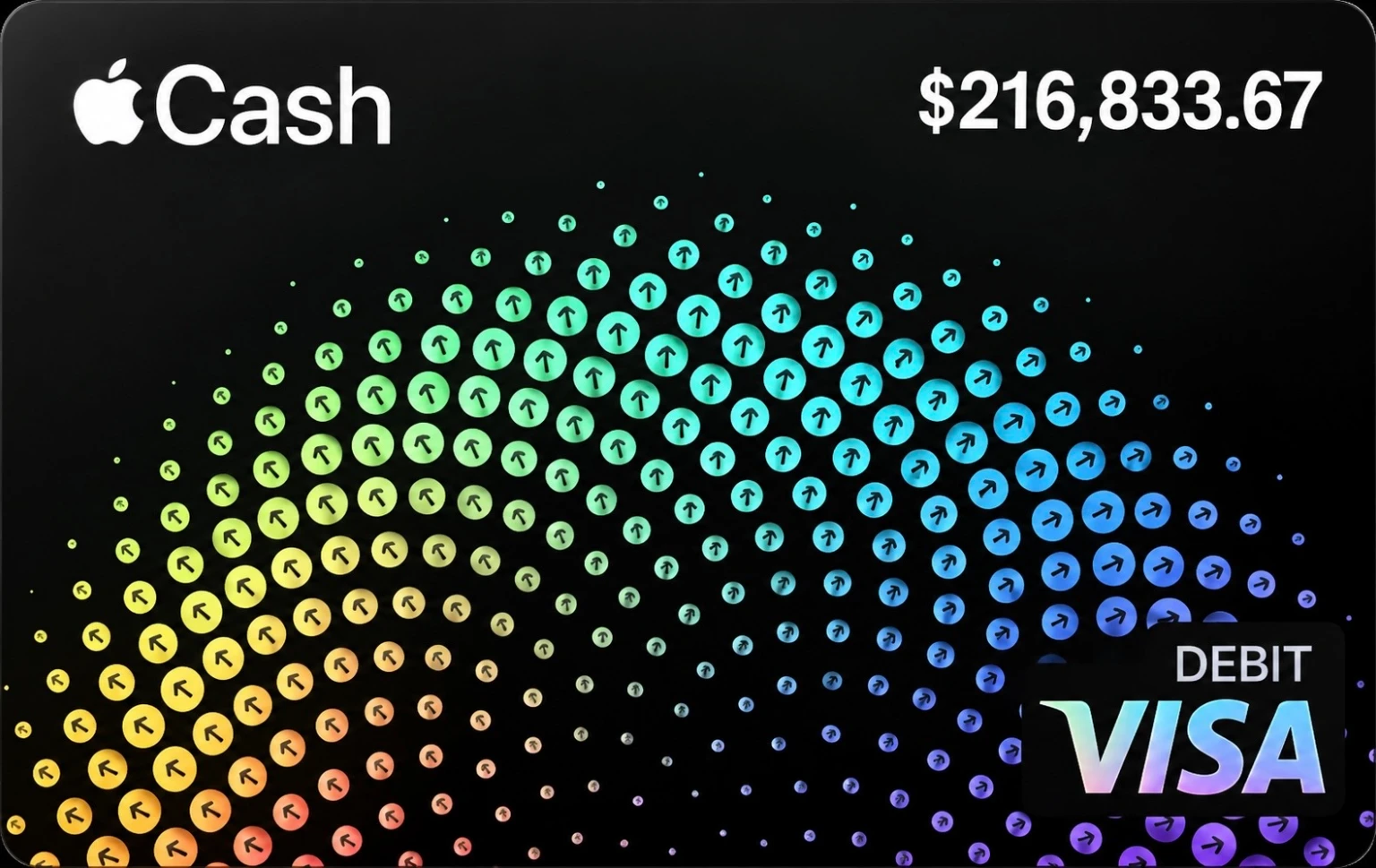
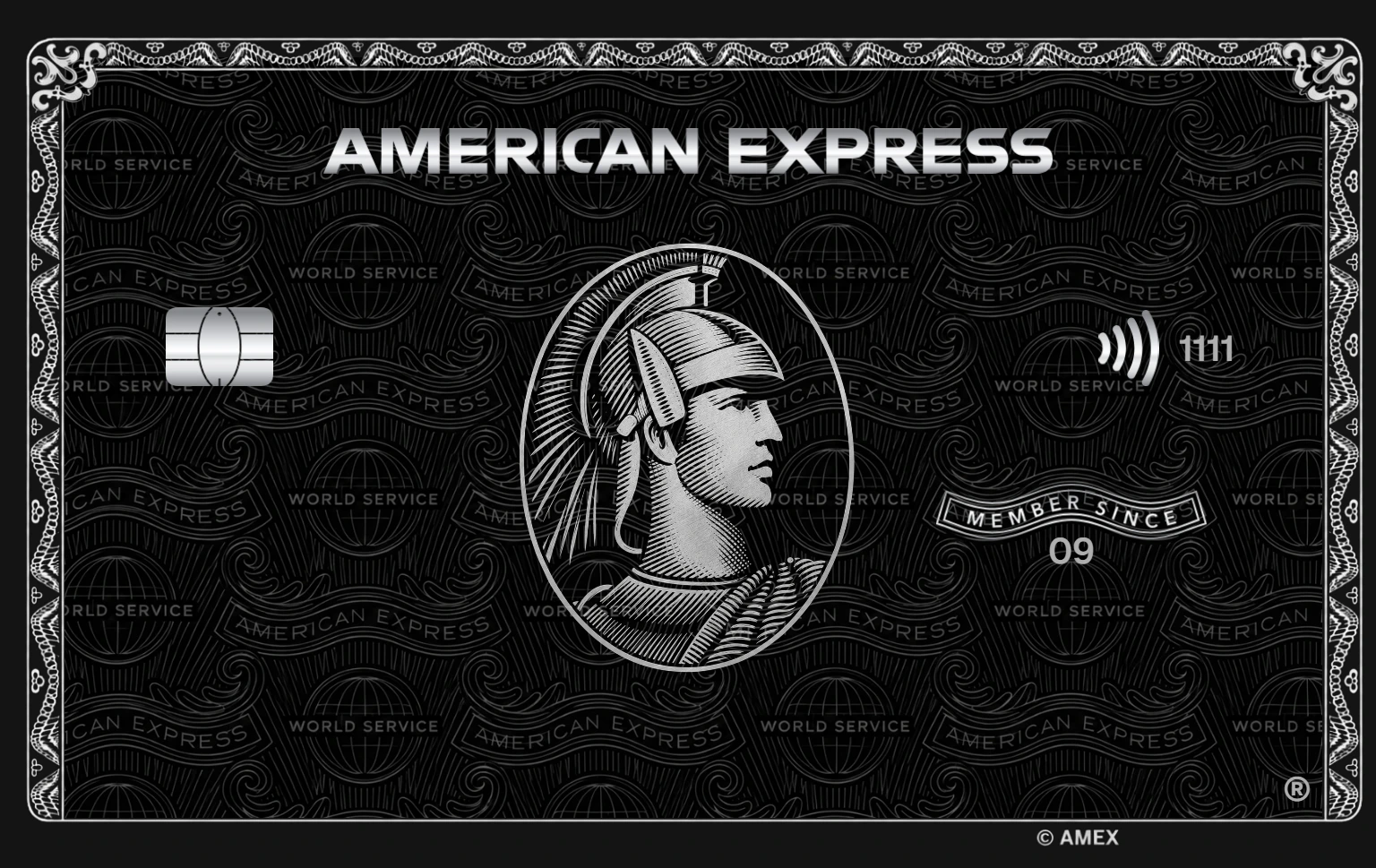
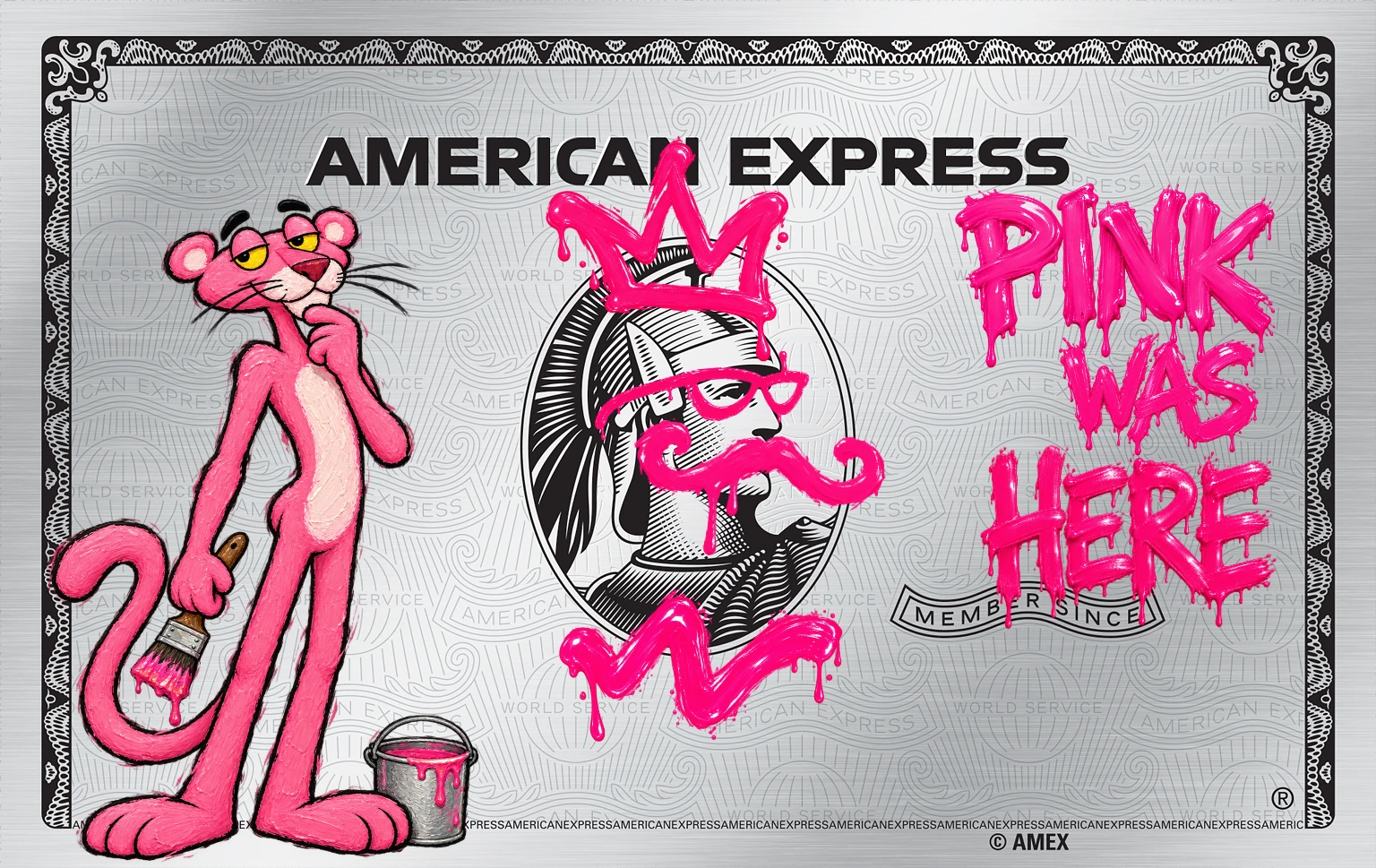
Thousands of designs.
Or the one you make.
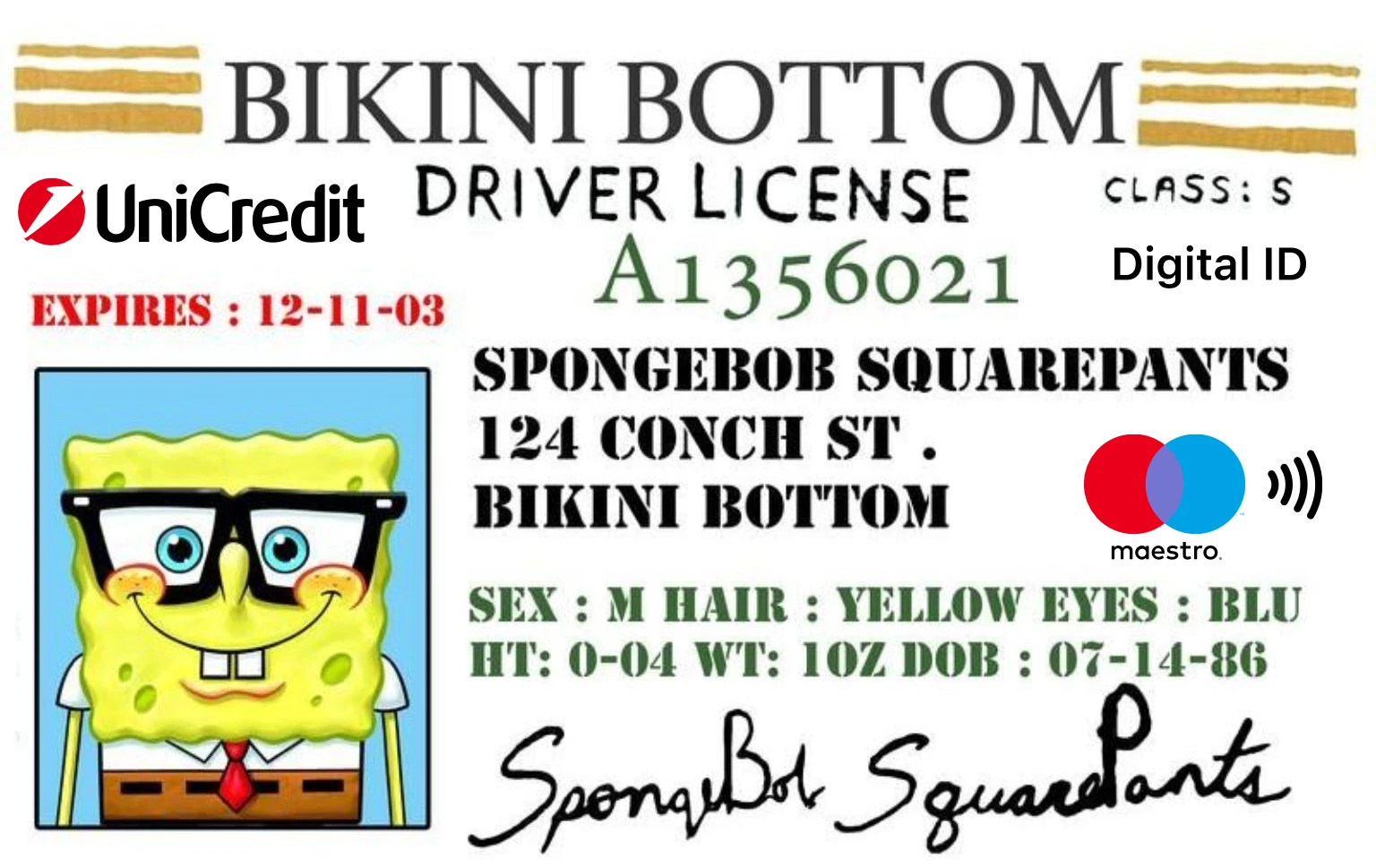
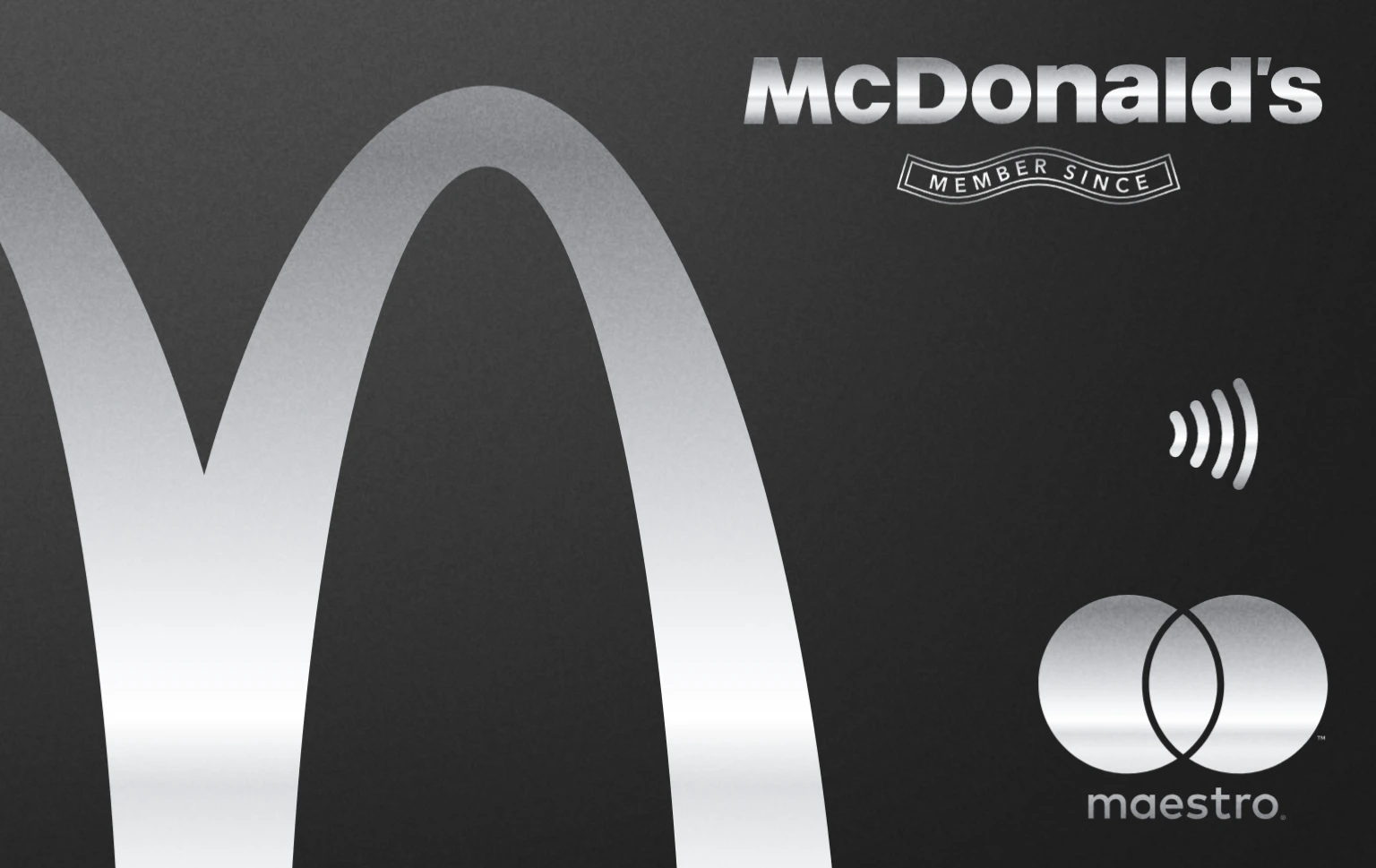
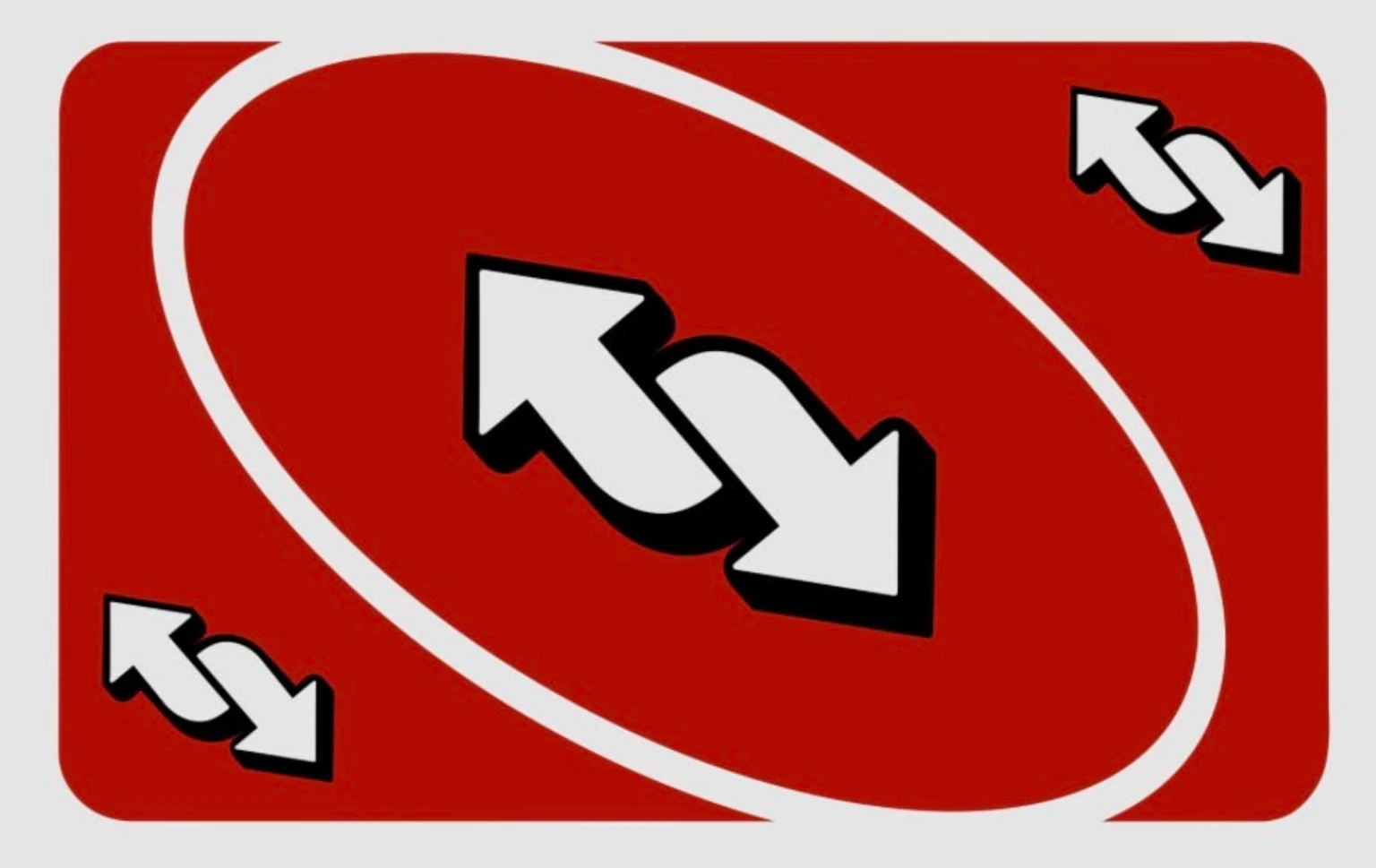
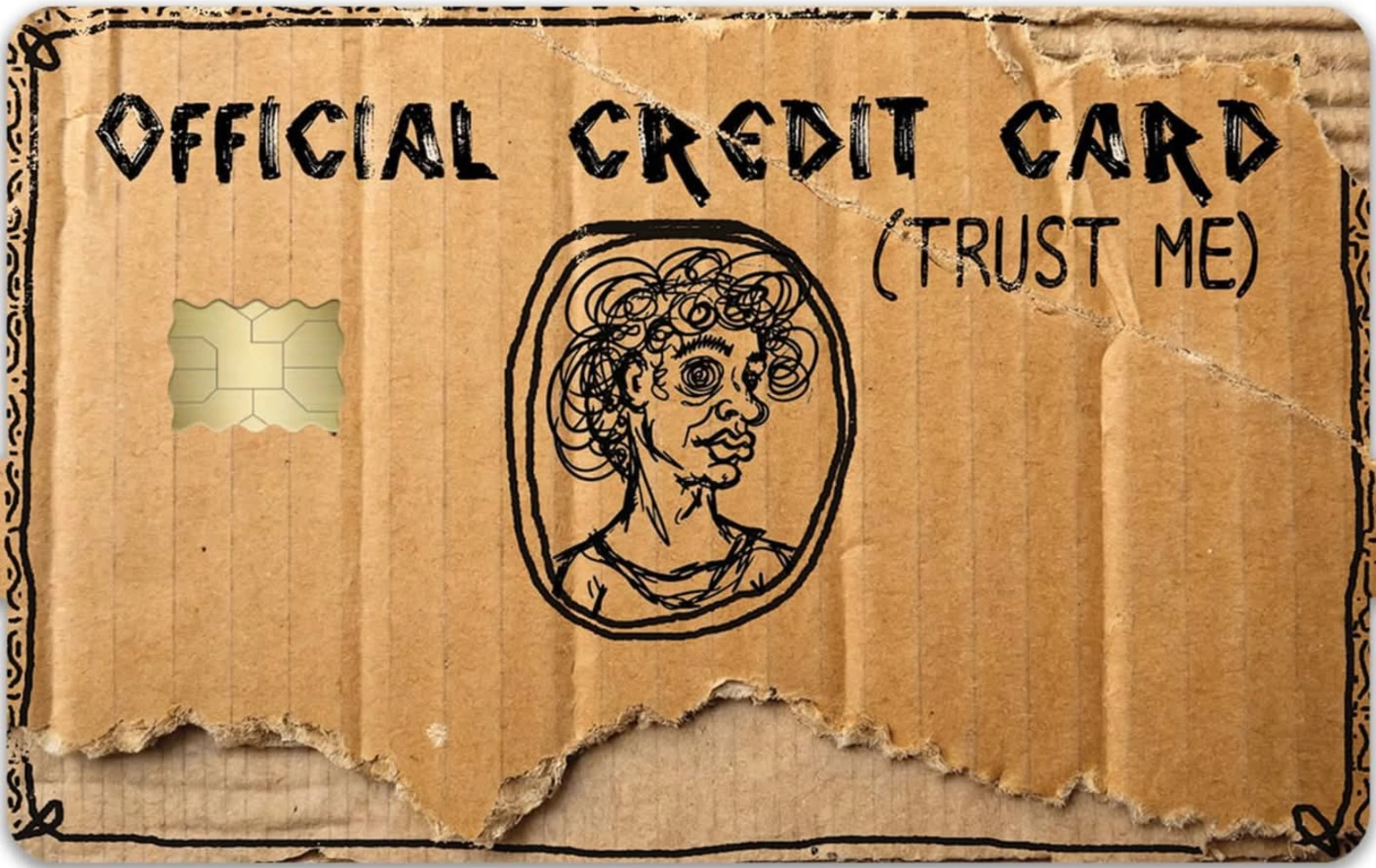
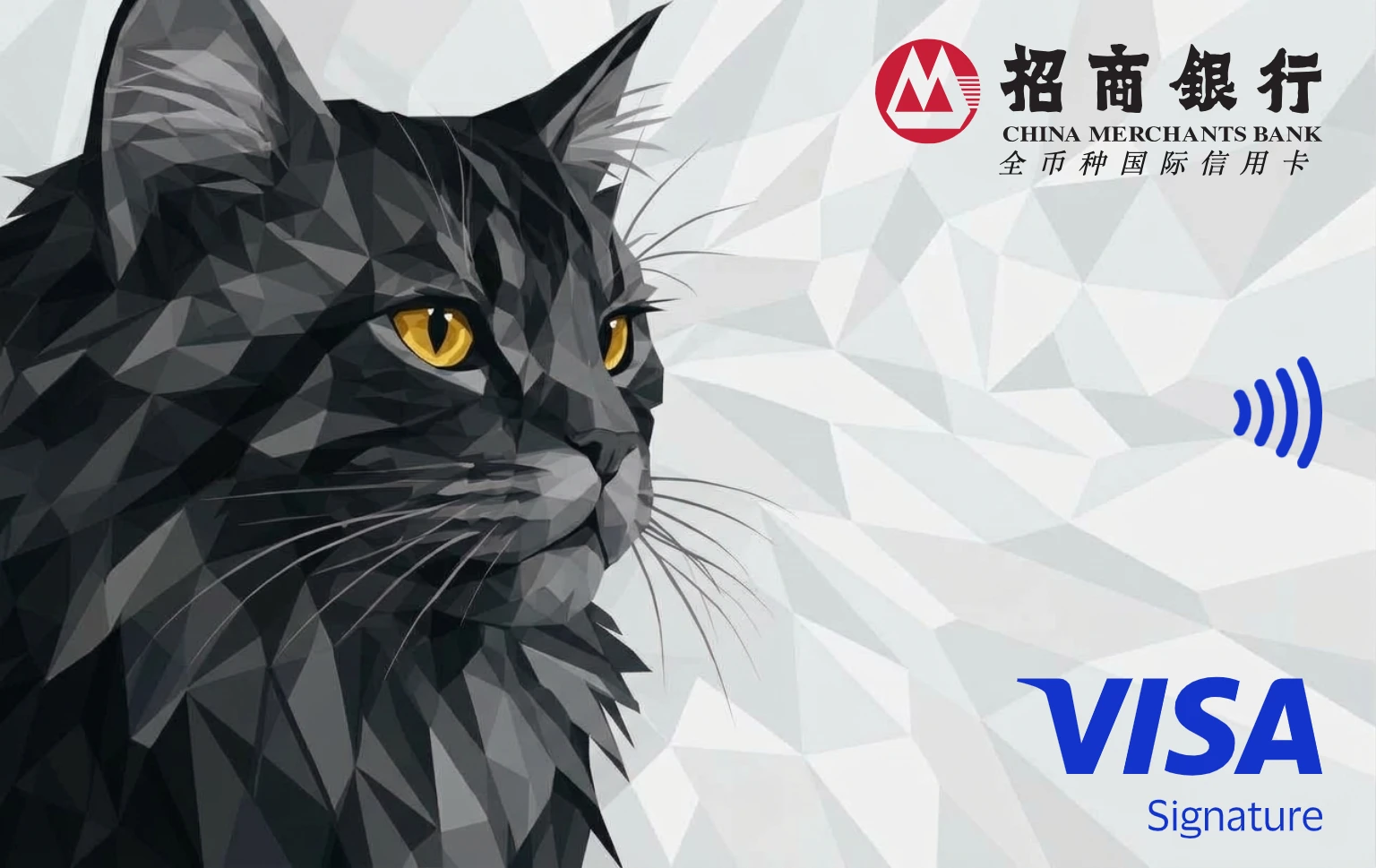
Metal, matte, art, chrome and more, all in the real card shape. Drag one on, or drop your own PNG. Here are a few.
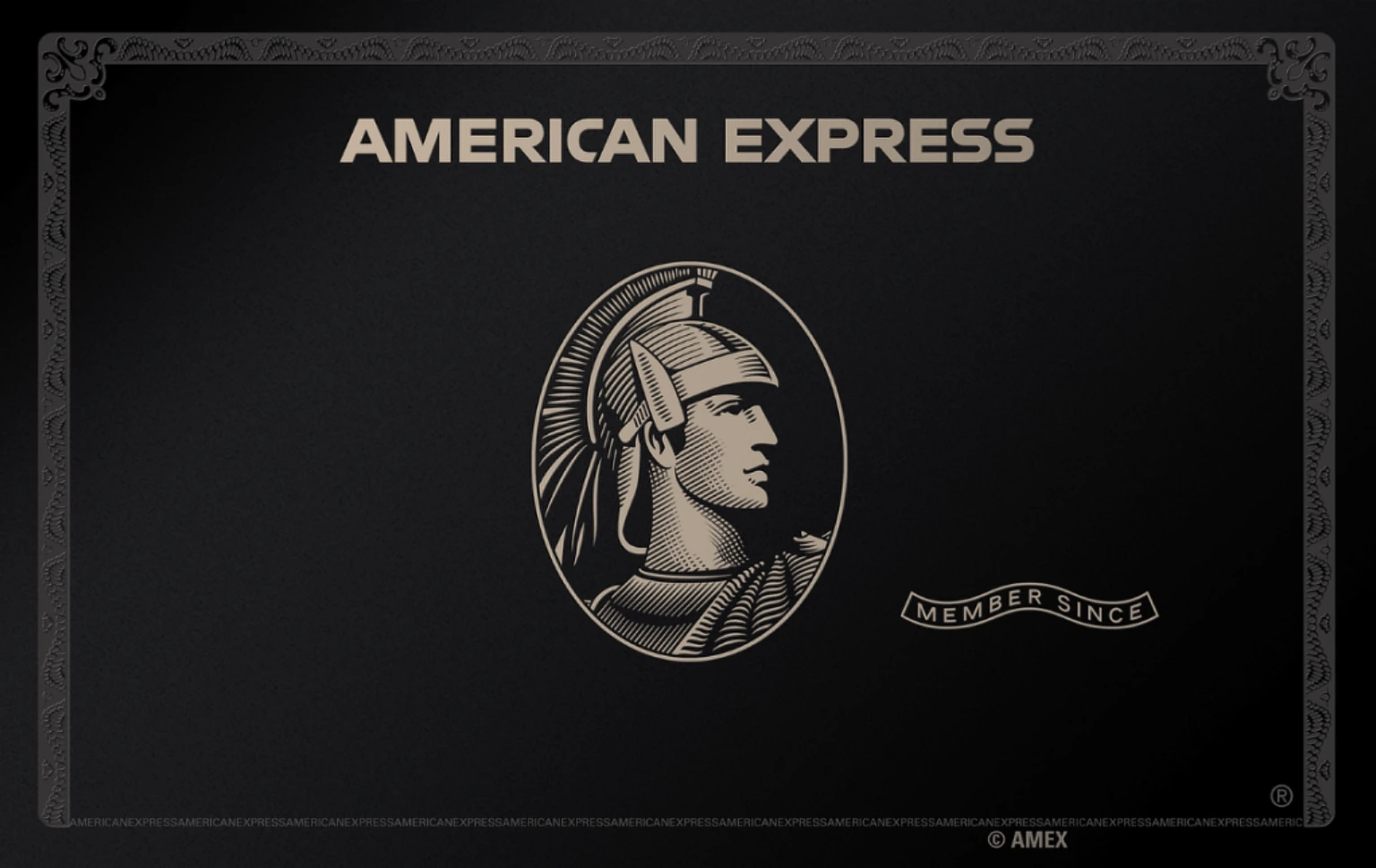
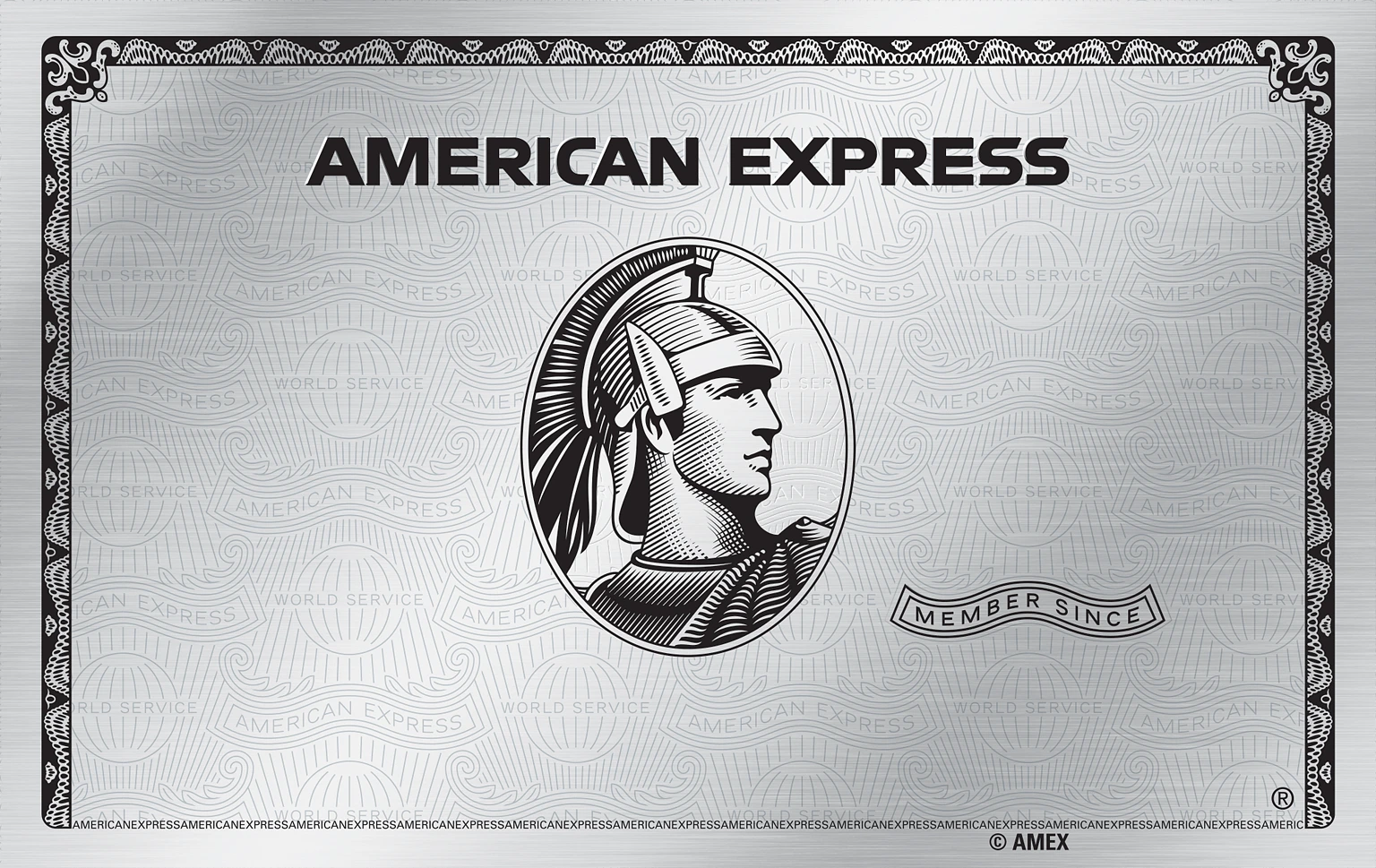
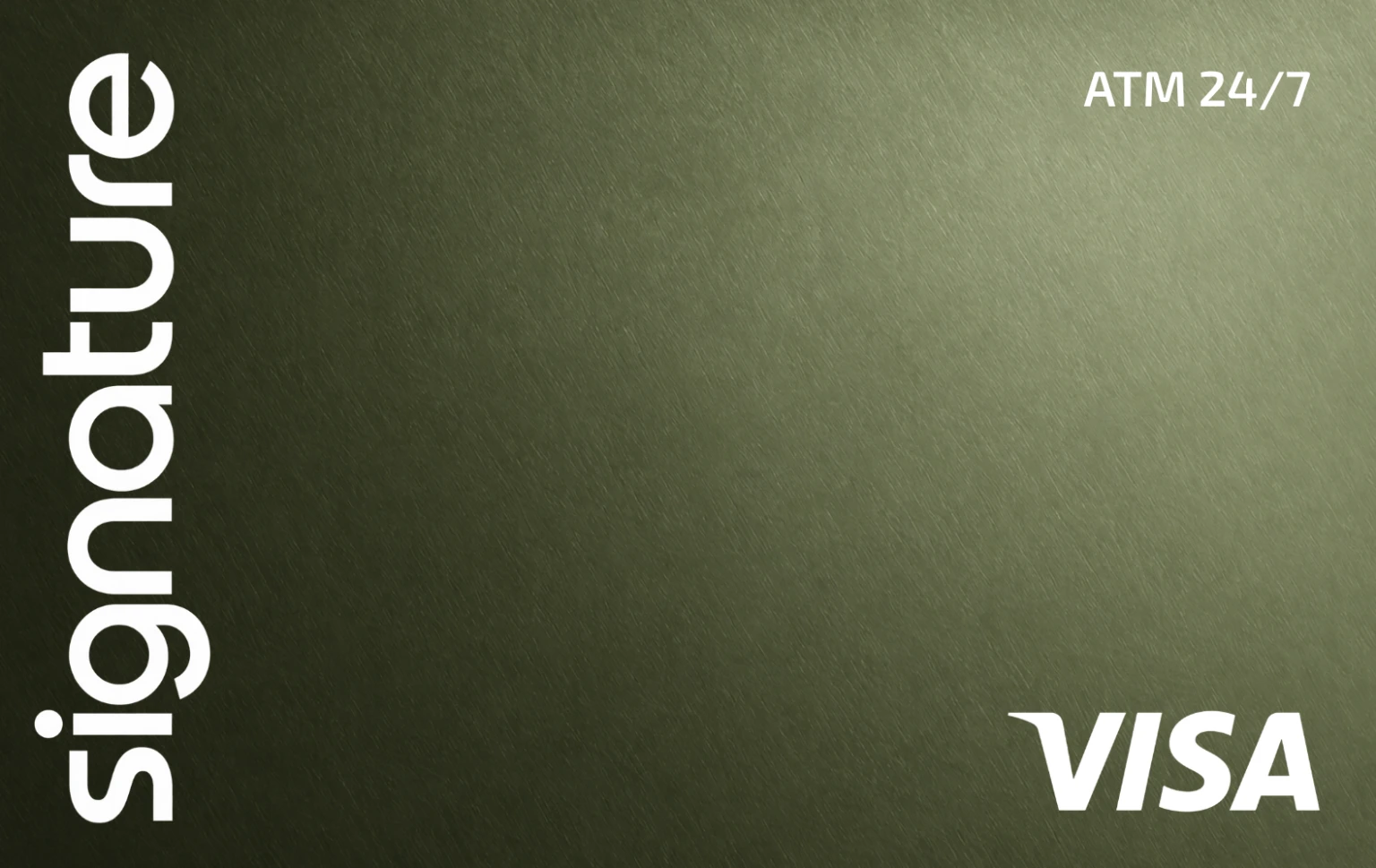
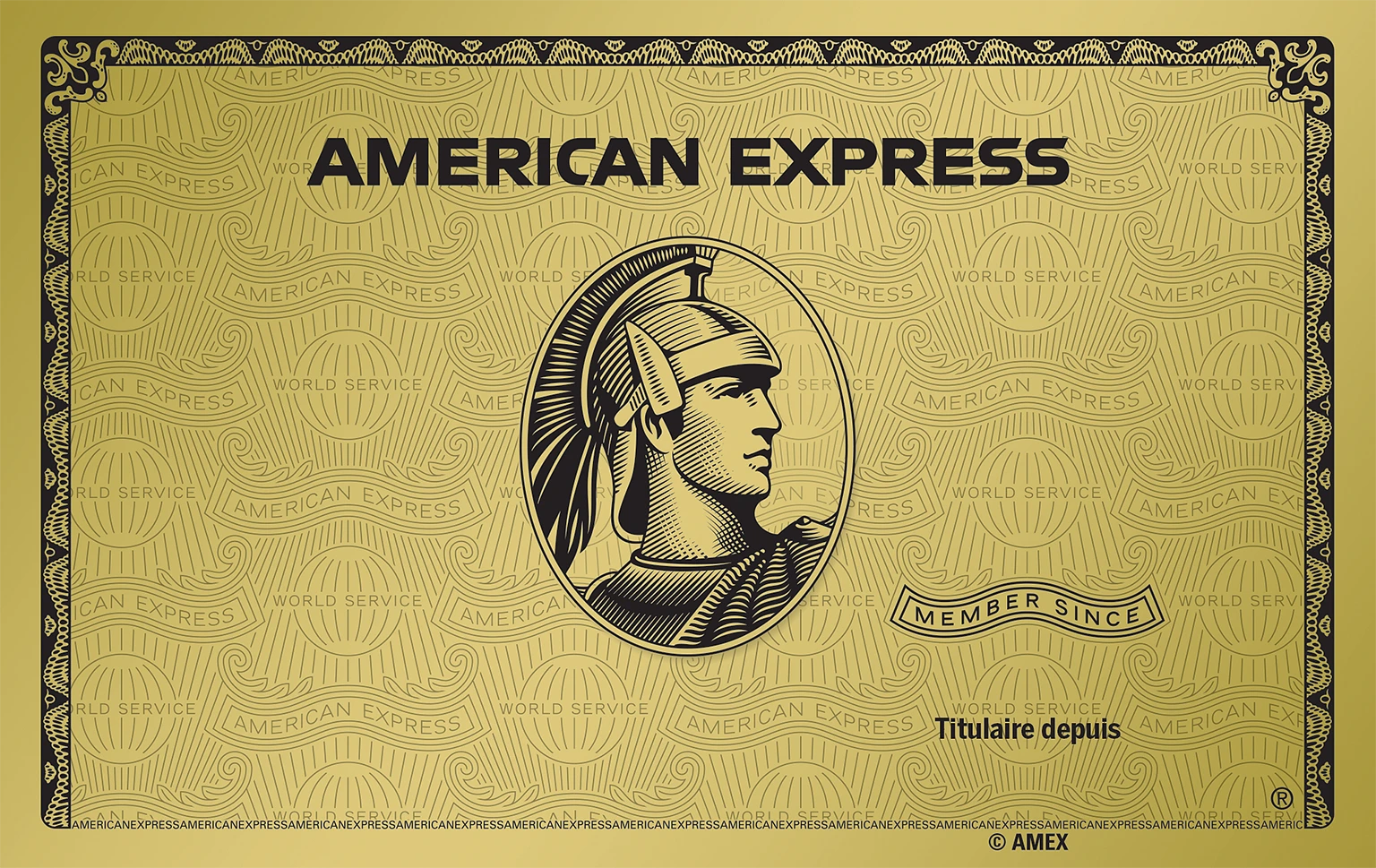
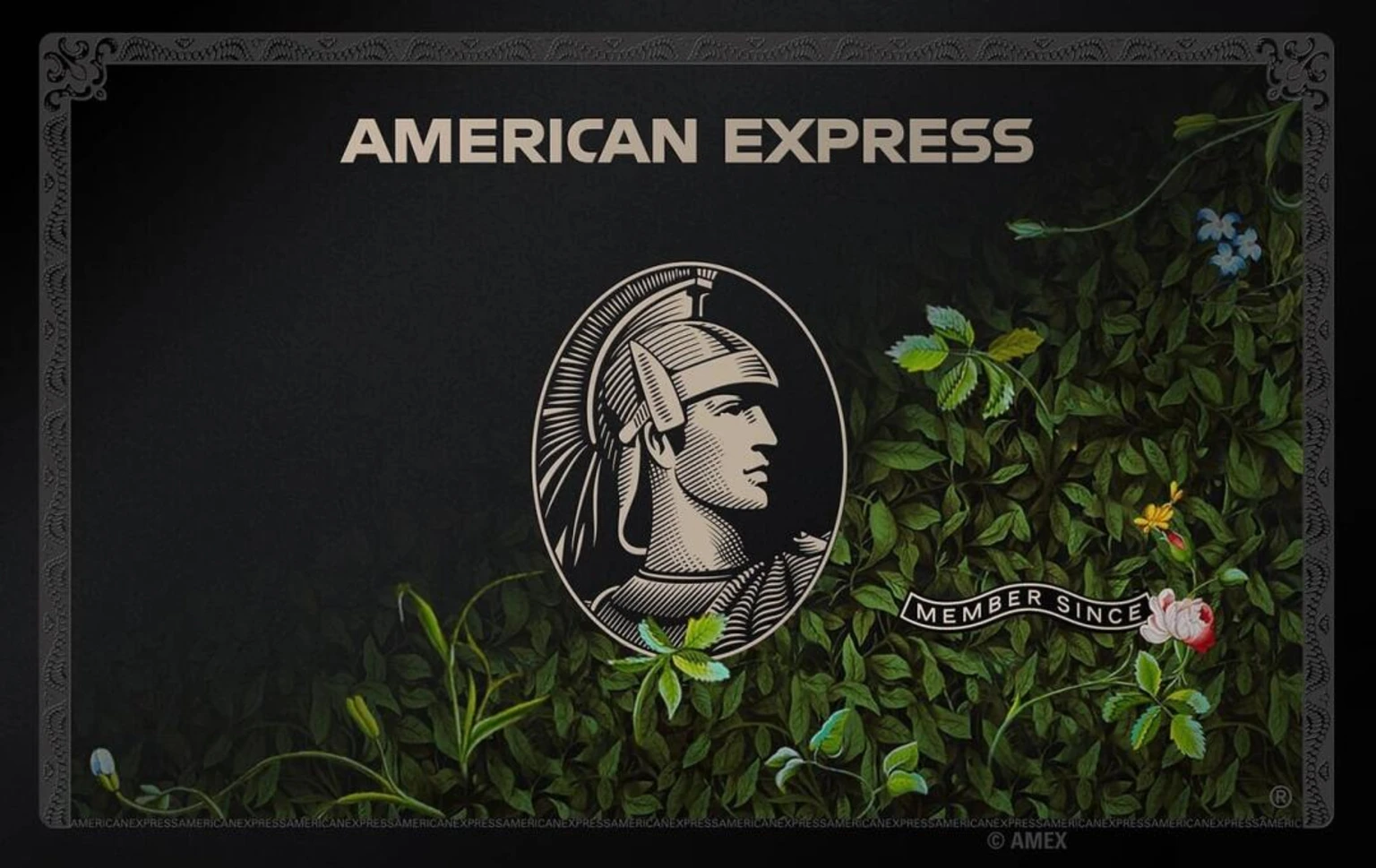
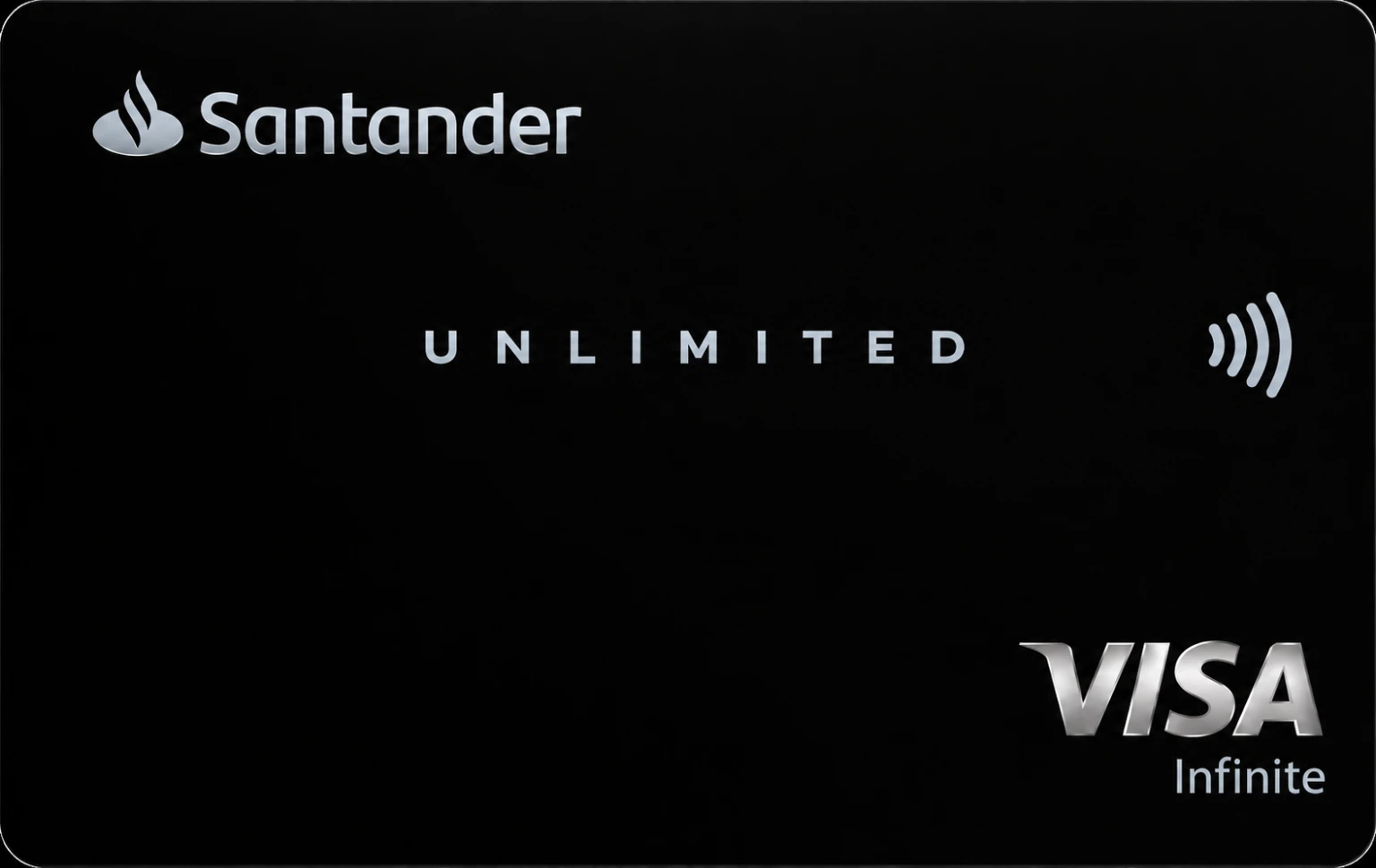
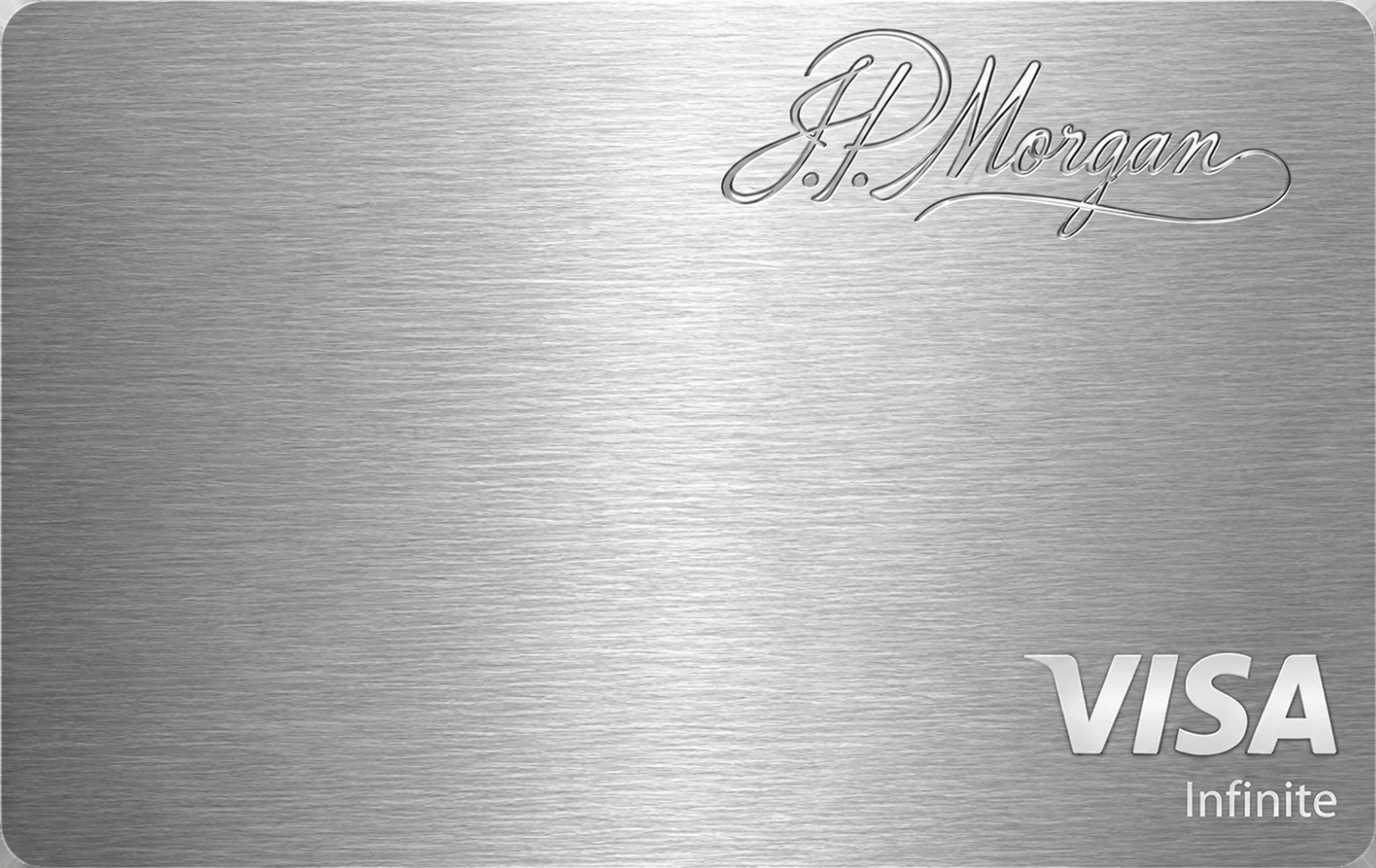
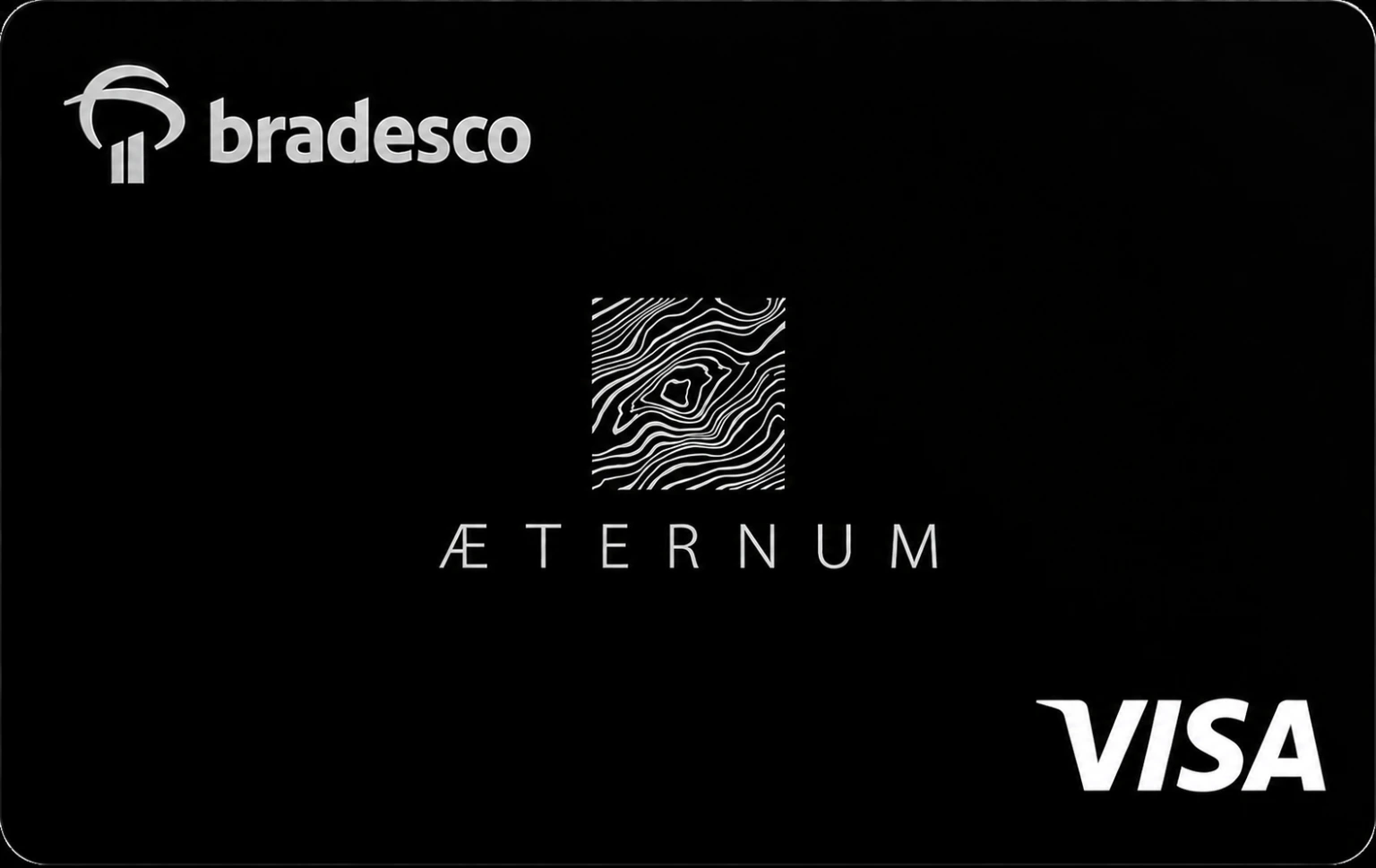
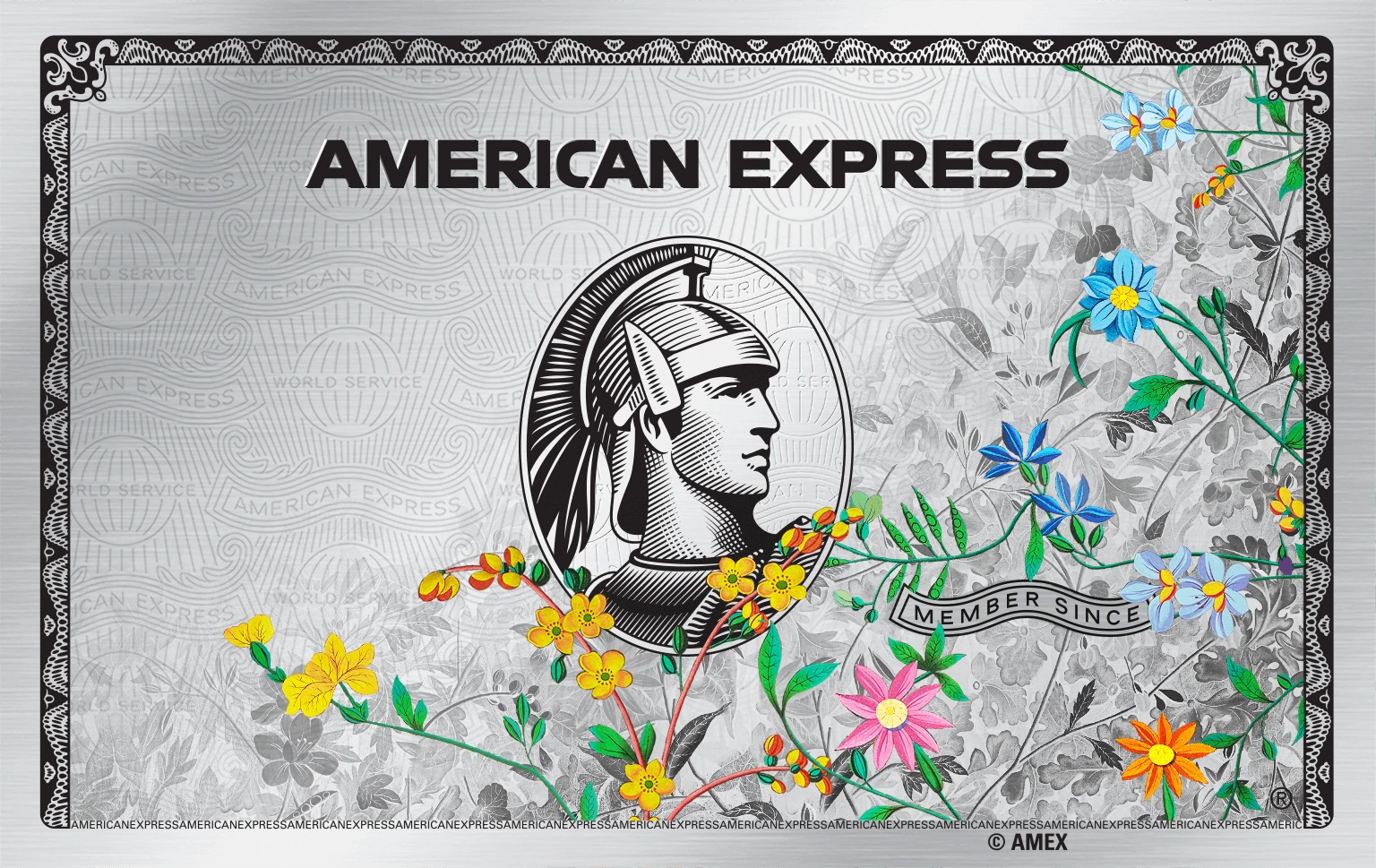
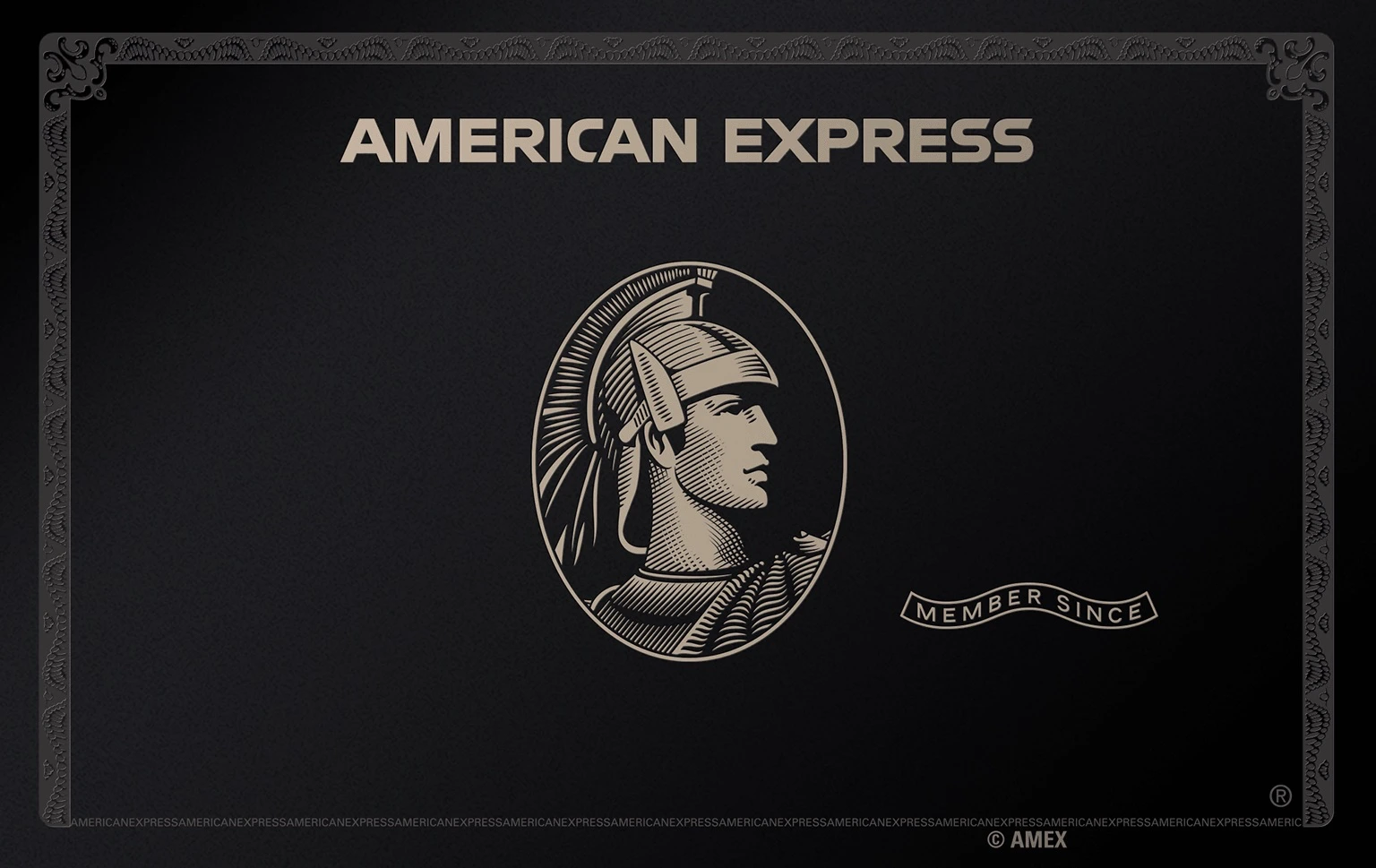
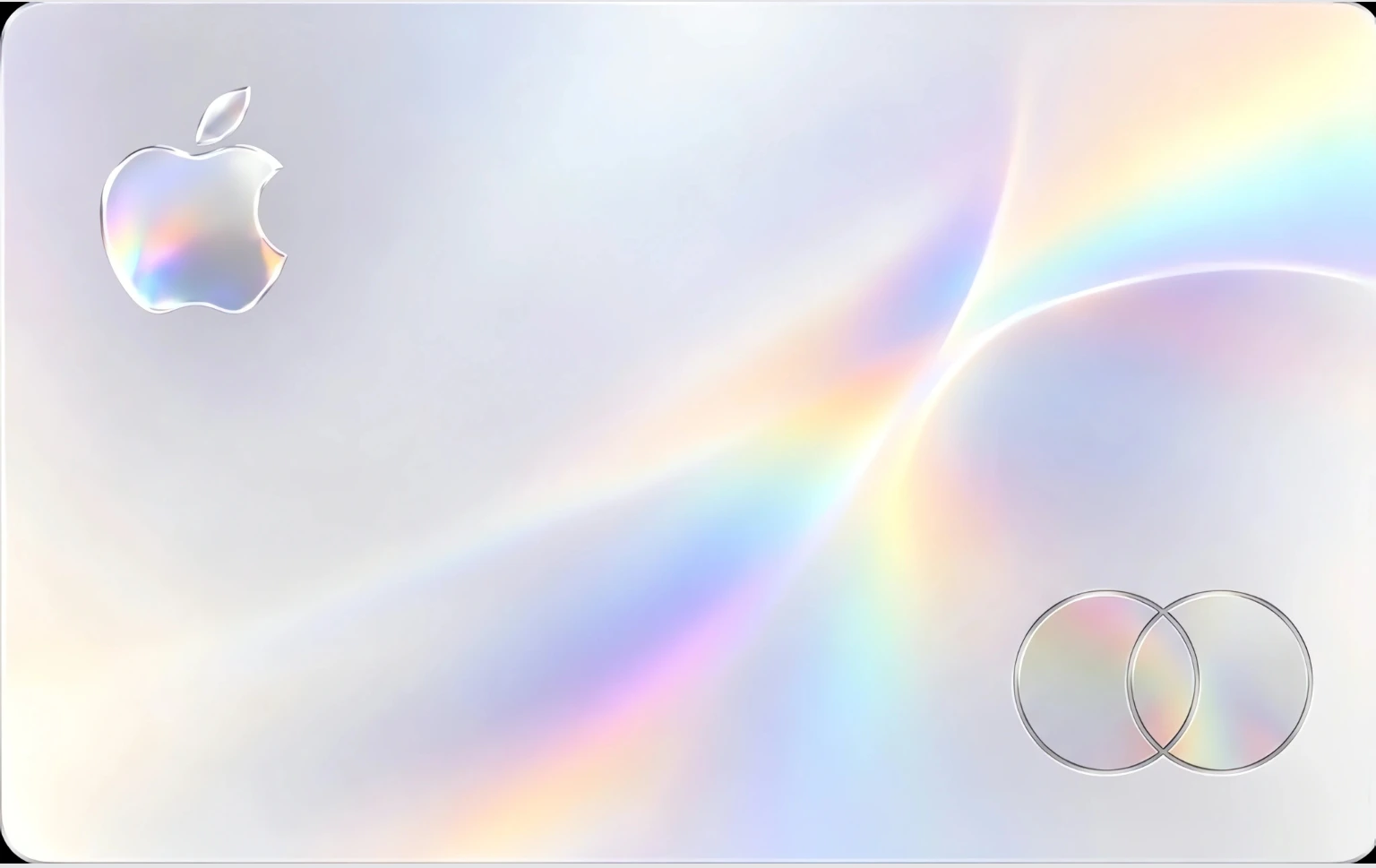
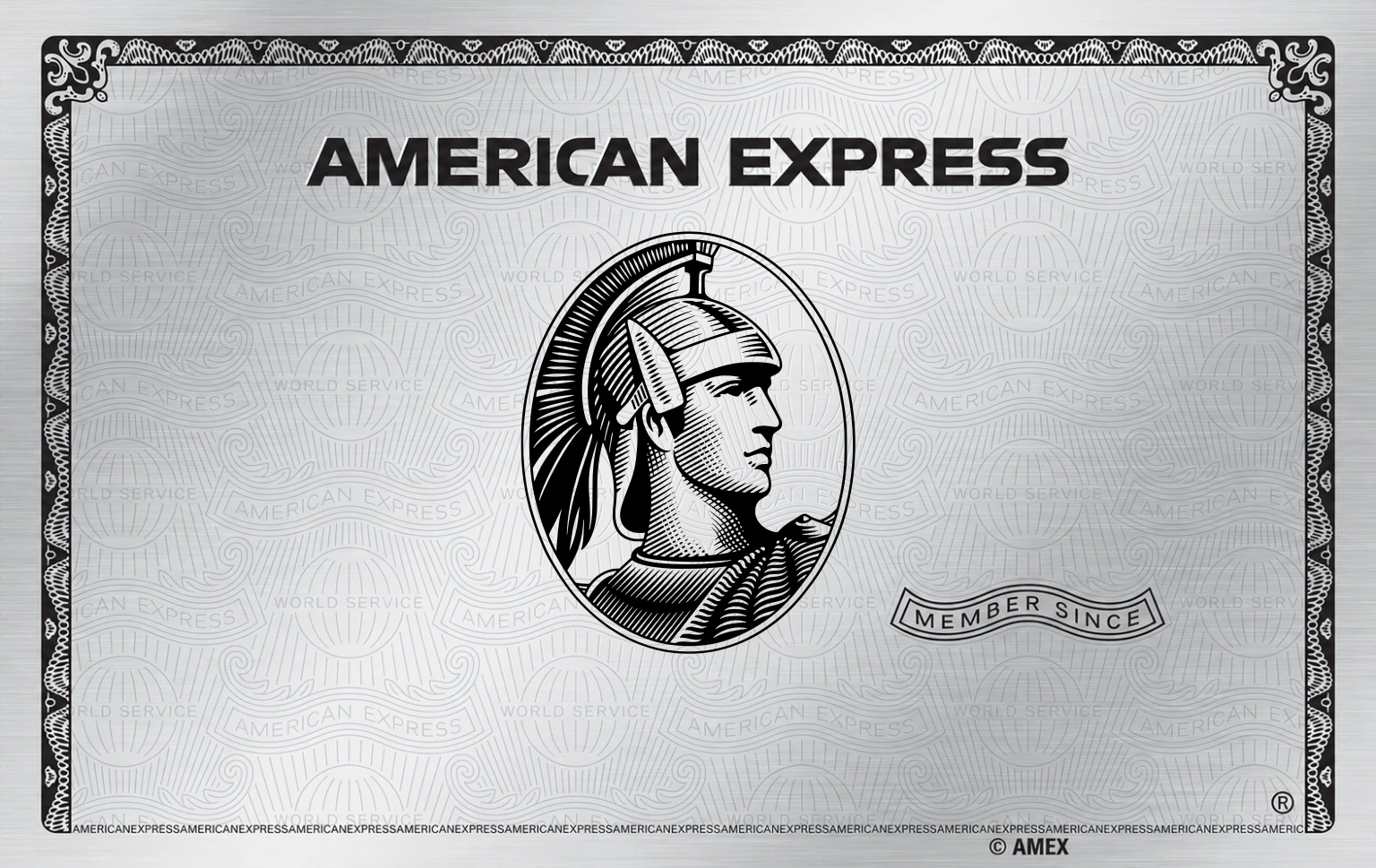
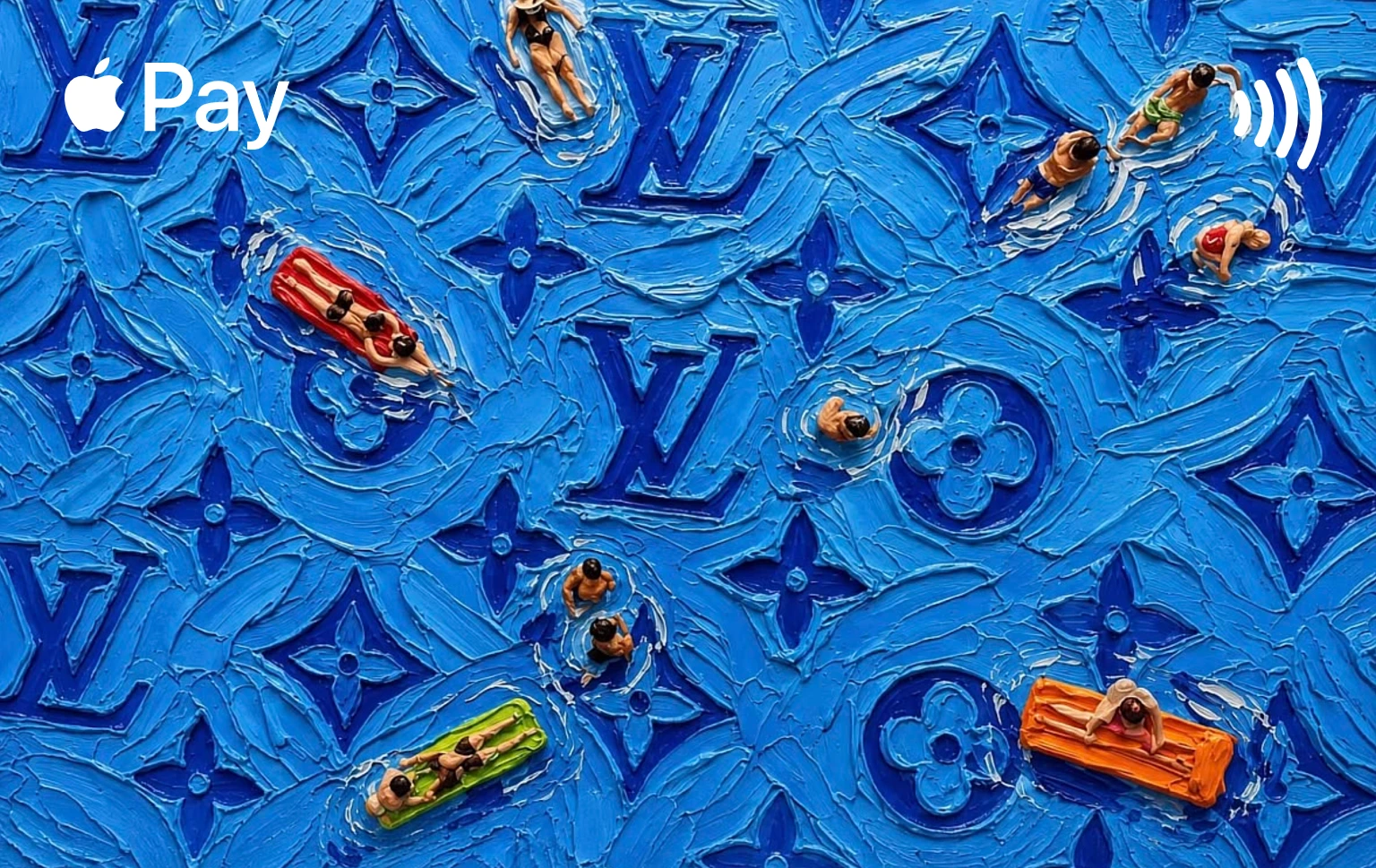
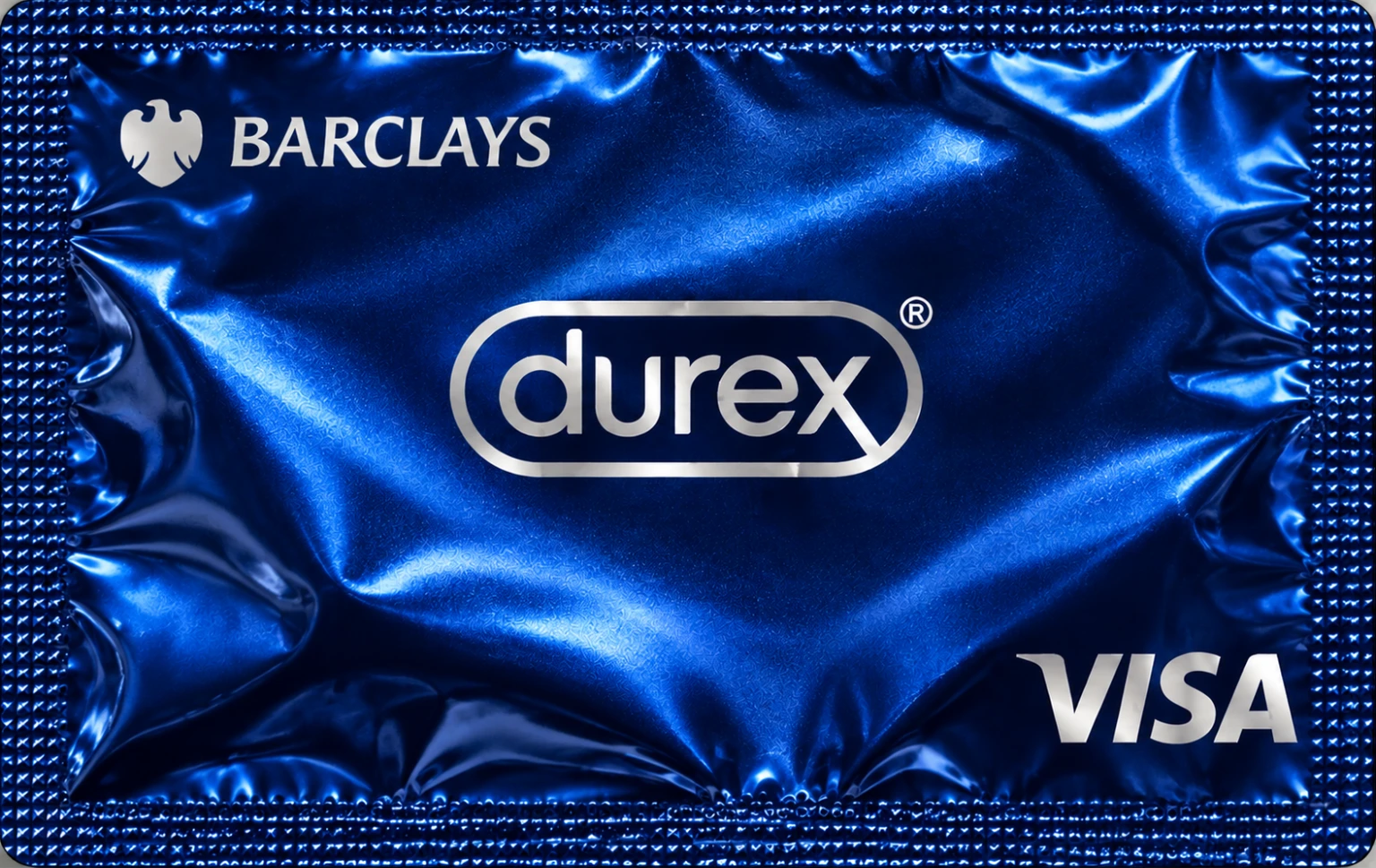
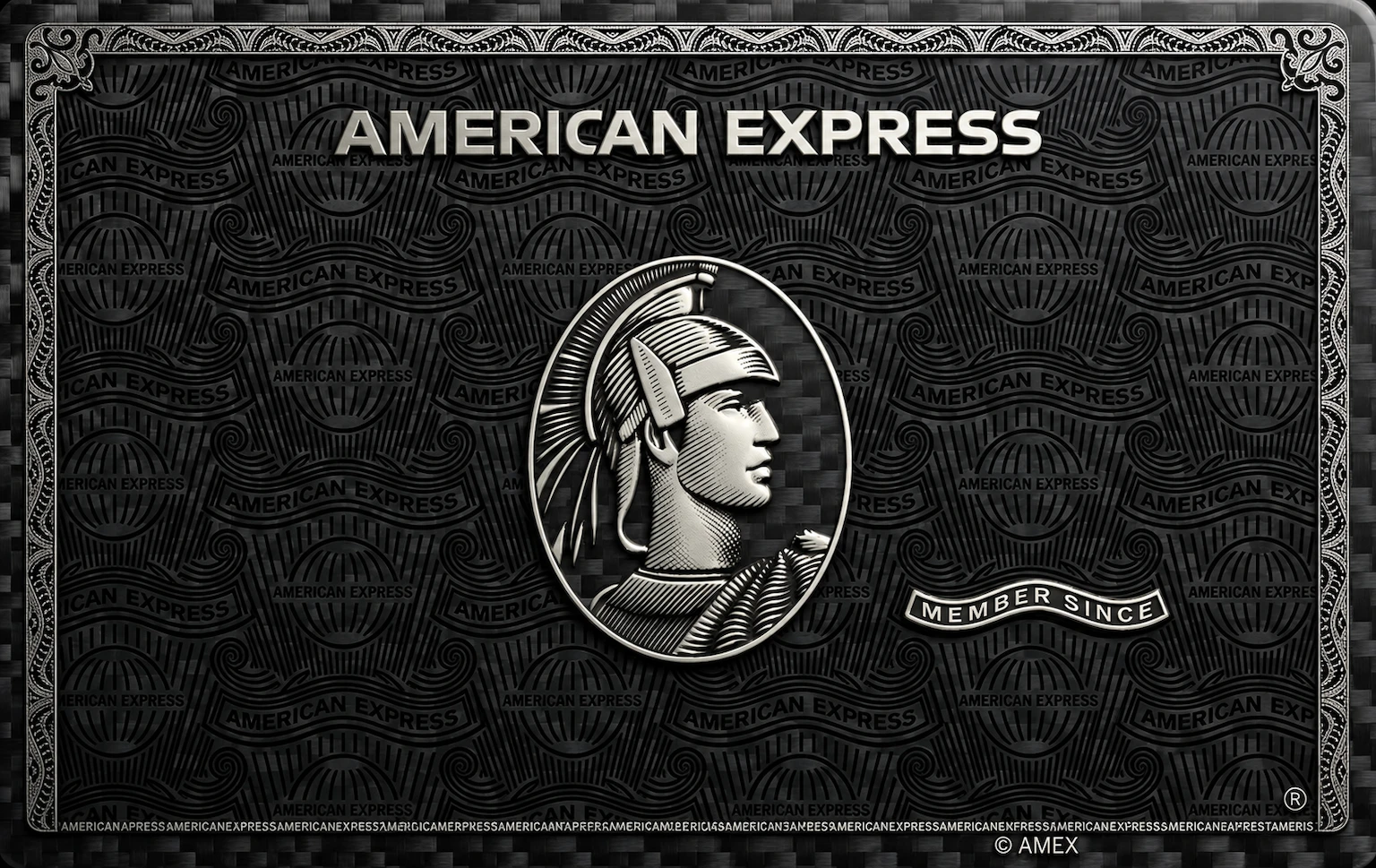
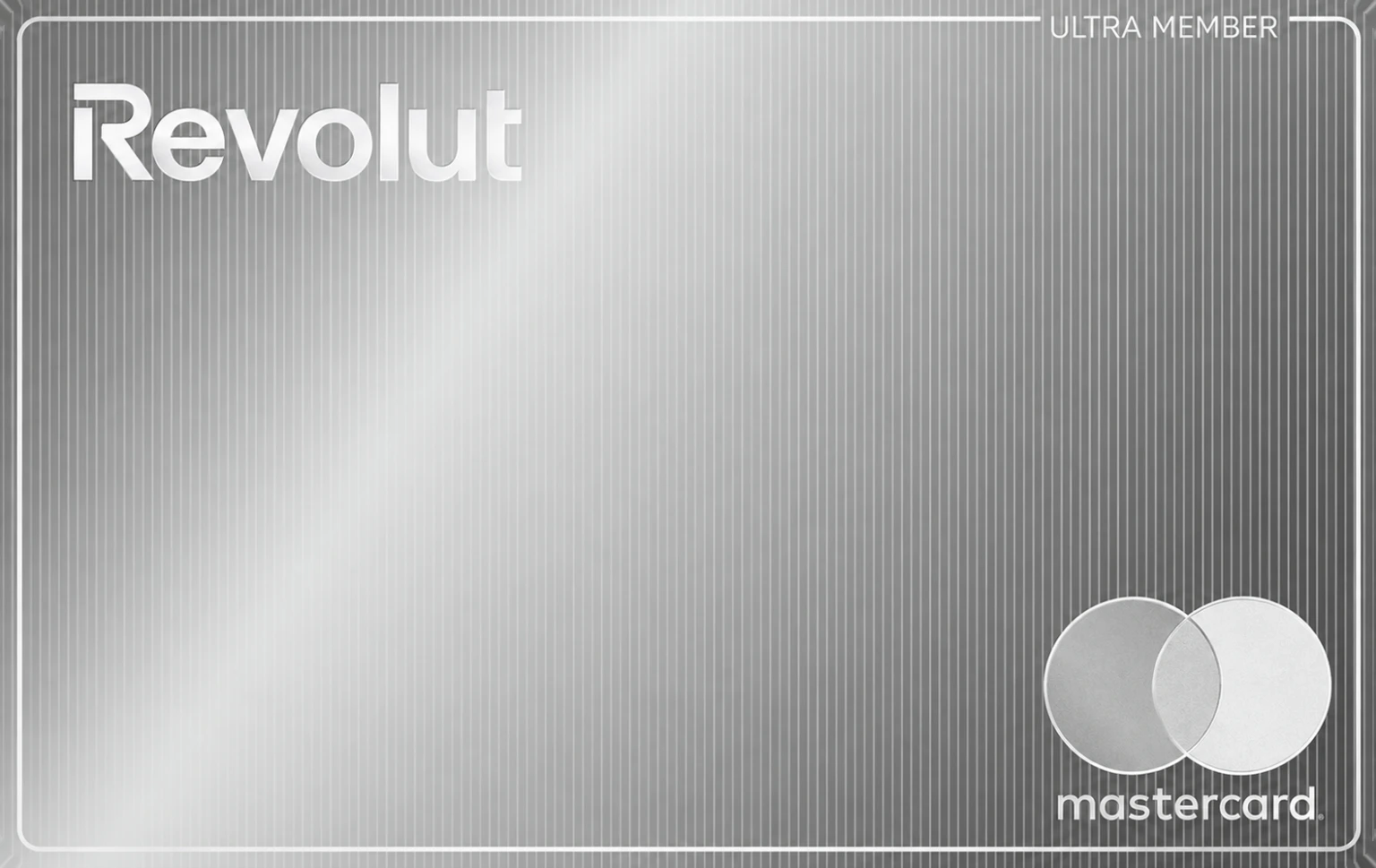
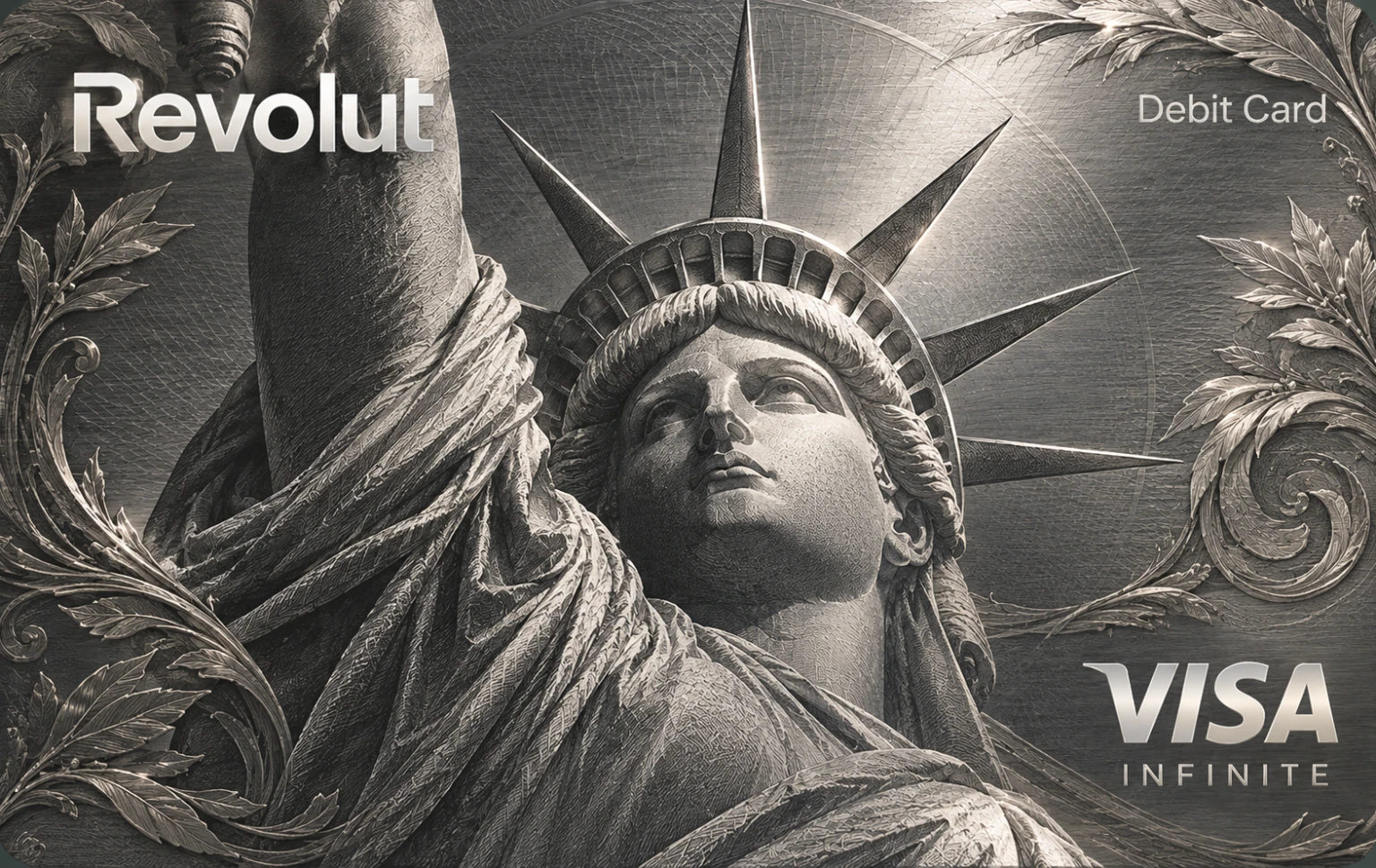
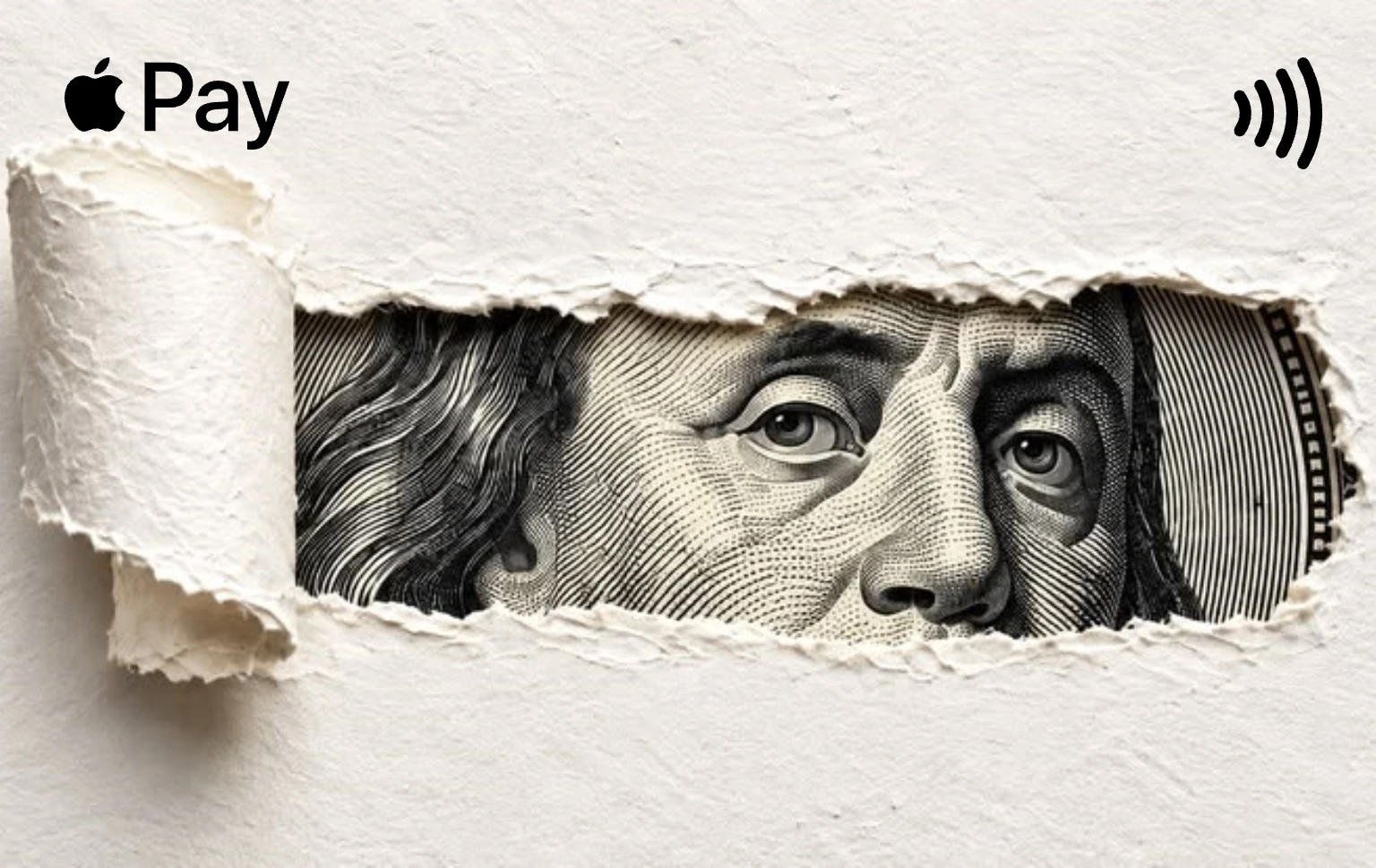

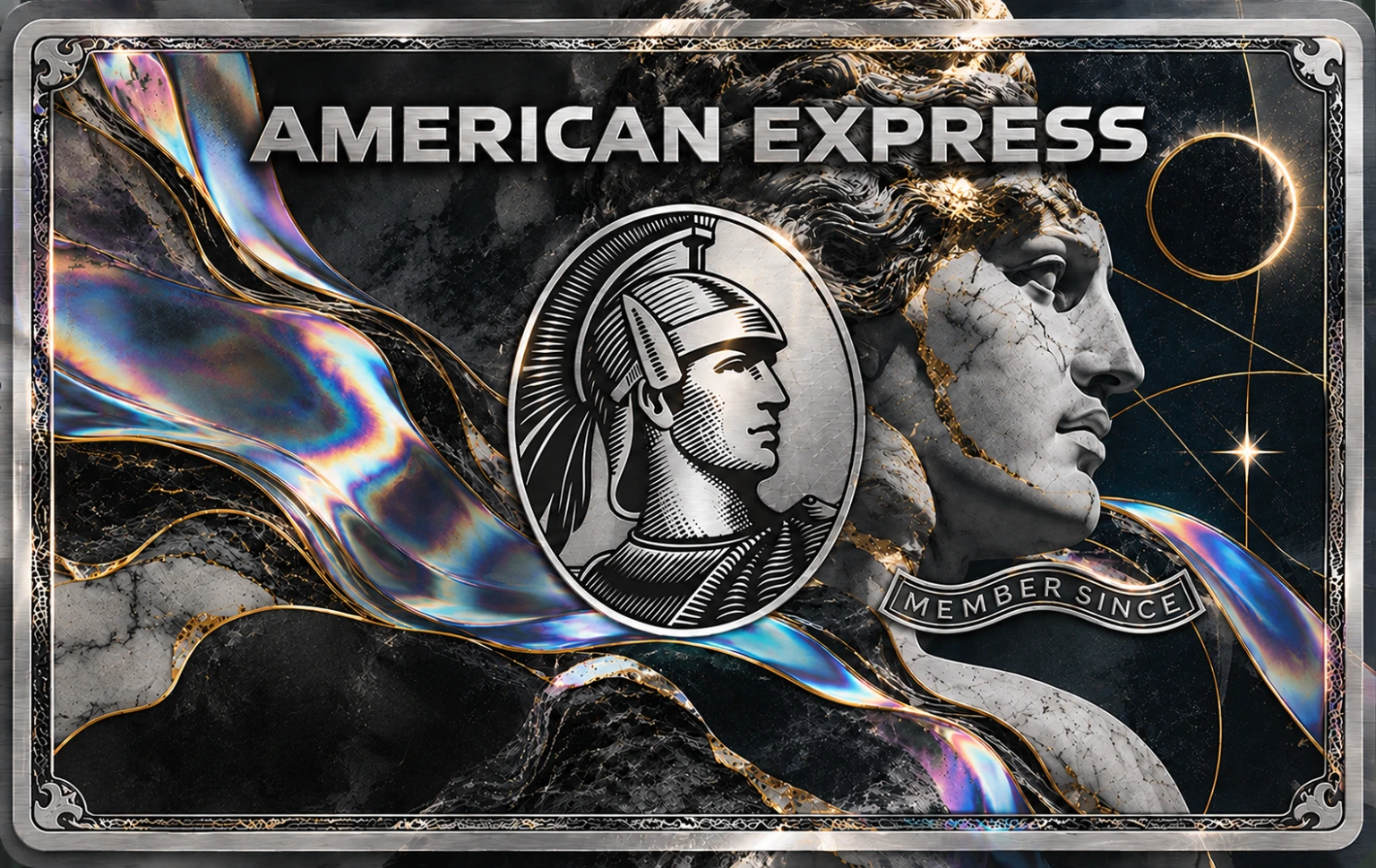
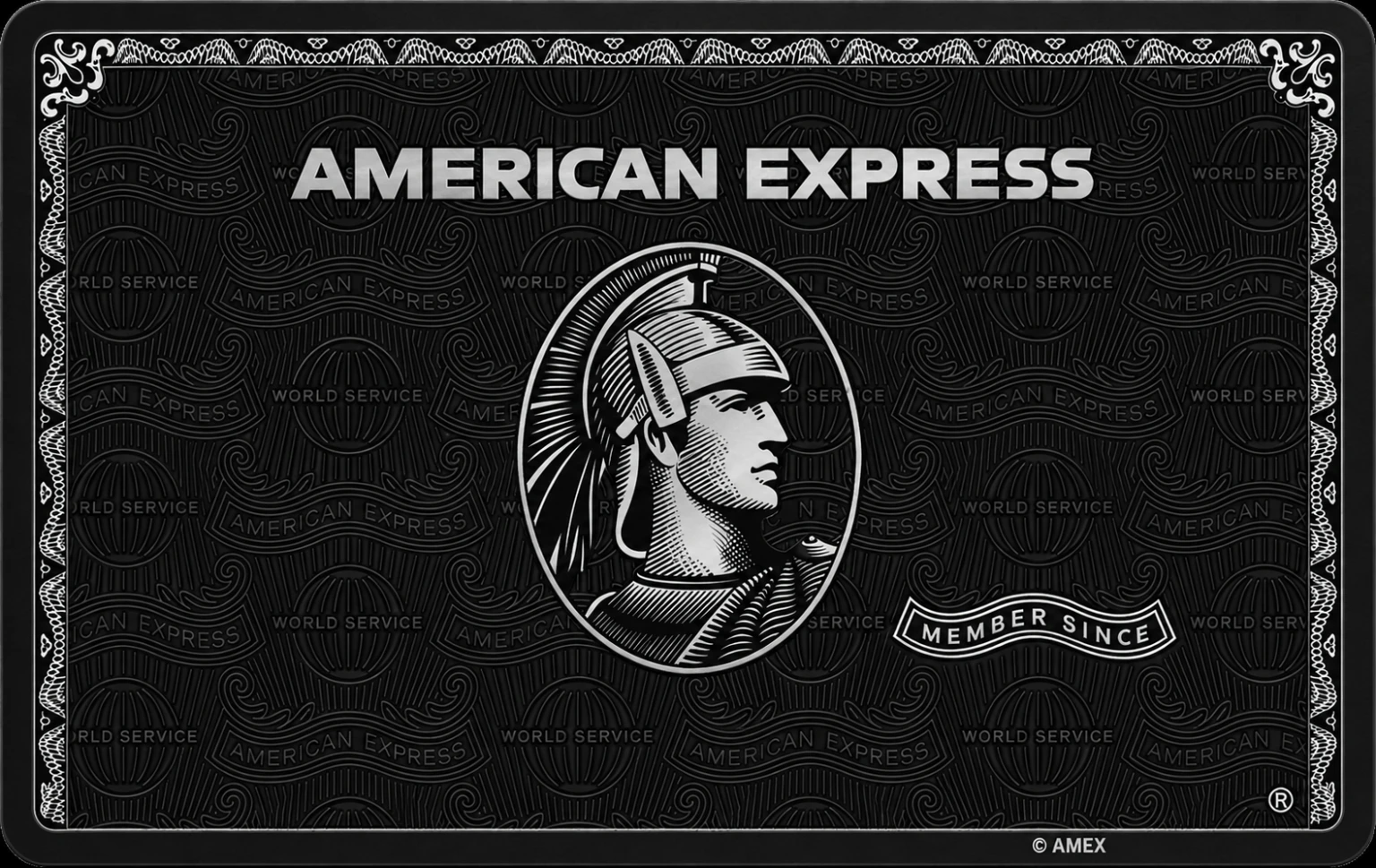
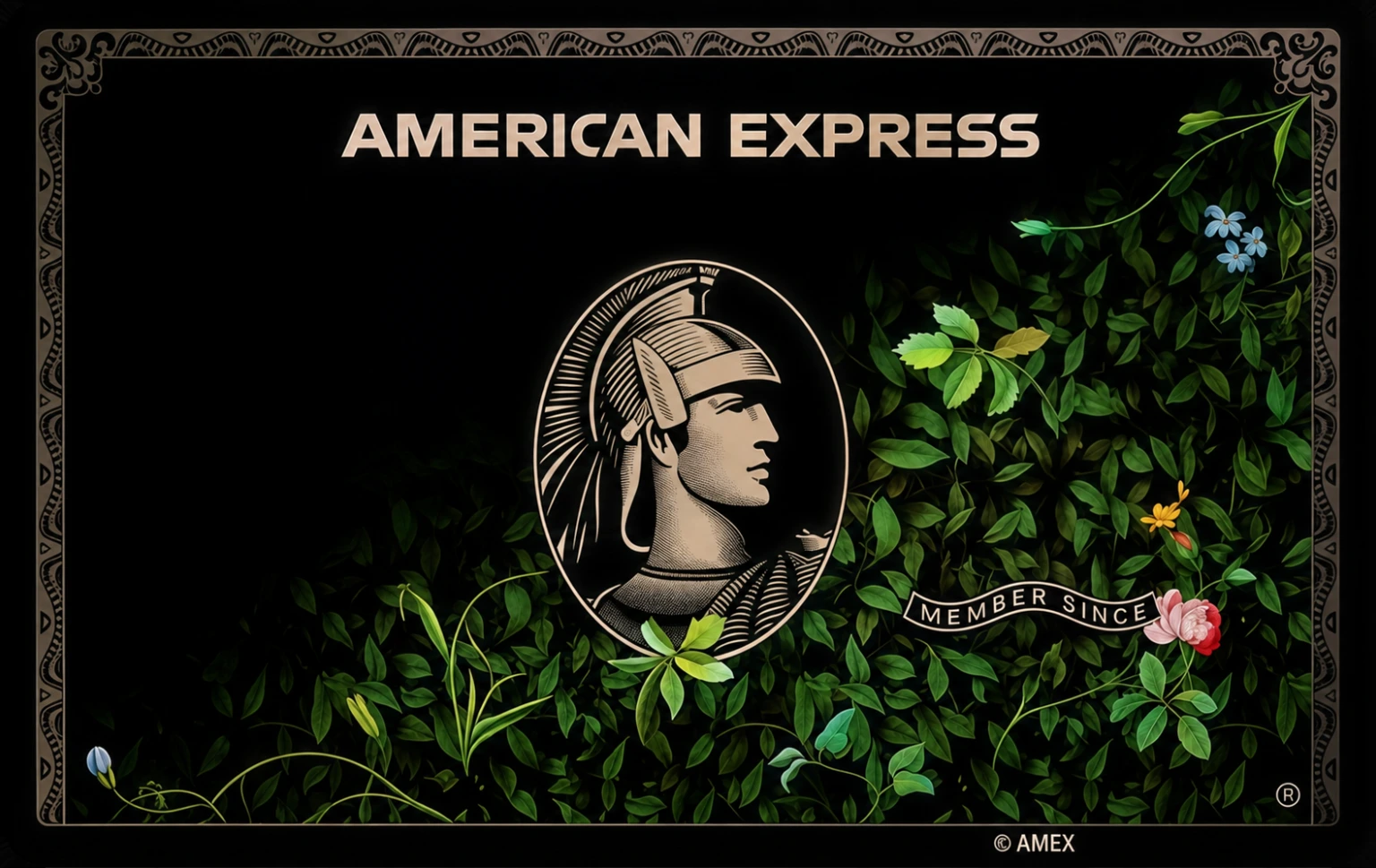





- Centurion
- Amex Platinum
- Night Cat
- Amex Black
- Amex Gold
- Centurion Art
- Santander
- JP Morgan
- Aeternum
- Platinum Art
- Centurion HD
- Liquid Glass
- Bradesco
- Monogram Blue
- Sapphire Reserve
- Beyond
- Centurion Carbon
- Revolut Ultra
- Revolut Metal
- Ripped Paper
- Cash Wall
- Pink Panther
- Amex Classic
- Noir Bloom
- Centurion Noir
- Gold Eagle
- Bikini Bottom
- Sakura
- Golden Arch
- Spectrum
- Master Black
- Reverse
- Trust Me
- Black Cat
- Kirky
- Hello Kitty
Three steps,
under two minutes.
No iPhone app to install, no account to create. Veyro talks to your phone the same way Finder already does.
- 1
Connect
Plug in your iPhone, or let it find your Mac over Wi-Fi. Veyro mirrors your Wallet in seconds and shows which cards can be restyled.
- 2
Pick
Browse the gallery by issuer, colour or mood, or drop your own PNG or JPG onto a card. You see the result before anything changes.
- 3
Apply
One click writes the new artwork to your iPhone. Open Wallet, double-tap the side button, and your card looks the way you wanted it to.
Built like a Mac utility should be.
Small, fast and honest about what it does. One window, one job.
- Your real cards, mirrored
- The moment your iPhone connects, Veyro shows every card in Wallet and marks the ones that can be restyled. Tickets, passes and gift cards stay out of the way.
- Drop in anything
- Drag a gallery design or your own PNG or JPG onto a card. Veyro fits it to the card shape and lets you nudge the crop before you commit.
- Undo, per card
- Every card keeps its own history. Step back one change, or rewind the whole wallet to the day you first plugged in.
- Only the picture changes
- Card numbers, expiry, your bank connection and Apple Pay itself are never touched. Tap to pay works exactly as before.
Lands right in
Apple Wallet.
Veyro writes the new art to the card itself, so it appears wherever the card already does. Nothing about Veyro is visible on the phone. Only the card.
In Apple Wallet
The card face you chose, every time you open Wallet to pay.
On the Lock Screen
Double-click the side button and the restyled card is right there.
At the terminal
Tap to pay and the new look shows on the reader. The payment is unchanged.
Same Wallet.
Your look.
Veyro only changes how your cards look. Everything Apple Wallet already does for you stays the same.
| Feature | Veyro | Wallet |
|---|---|---|
| Choose any artwork for your real cards | Yes | No |
| Gallery of ready-made designs | Yes | No |
| Upload your own image | Yes | No |
| Original design is always saved | Yes | Yes |
| Undo history per card | Yes | No |
| Works over cable or Wi-Fi | Yes | Yes |
| No account or sign-in | Yes | Yes |
| Payments, numbers and balances unchanged | Yes | Yes |
Private by construction, not by promise.
Veyro has no login screen because it has no reason to know who you are.
Nothing leaves your Mac
No account, no server, no analytics. Your images and your list of cards stay on the machine in front of you.
Everything is reversible
The original artwork of every card is kept. Undo one change or rewind the whole wallet in a click.
Card details untouched
Numbers, expiry dates, balances and bank connections are never read or written. Veyro changes the picture, nothing else.
Your first upload is free. After that, pay once.
No subscriptions. Pick what fits, and undo is always free.
Five uploads
Most chosenEnough to dress every card you actually use.
$4.99one time
- 5 artwork uploads
- Full design gallery
- Undo on every card
- Never expires
Lifetime
Best valueUnlimited uploads, every future update, forever.
$19.99one time
- Unlimited uploads
- Full design gallery
- Early access to new designs
- All future versions included
Thirty days
Unlimited for a month, then it simply stops.
$14.99one time, does not renew
- Unlimited uploads for 30 days
- Full design gallery
- Undo stays free after
- No subscription
Prices in USD, before local taxes. Purchases unlock inside the app and restore on any Mac with the same receipt. Refunds within 14 days.
Get Veyro for Mac.
Version 1.0.0, 181 MB. Runs natively on Apple silicon and Intel. Needs macOS 14 Sonoma or later.
First launch on macOS
- 1Open the .dmg and drag Veyro to Applications.
- 2On the first open, macOS will ask you to approve the app under System Settings, Privacy and Security. Click Open Anyway.
- 3Connect your iPhone and tap Trust when it asks.
People who restyled
their Wallet.
Real cards, real terminals, unchanged payments. Here is what people say after they switch the art on Veyro.
“Put my own photo on my debit card in about a minute. Tapped to pay five minutes later, worked exactly the same.”
Leyla A.iPhone 15 · Sonoma“I was sure this would break Apple Pay. It just changes the picture. The undo button talked me into trying it.”
Marcus T.Everyday card“The gallery is genuinely good. Found a matte black one for my travel card and never looked back.”
Priya R.Lifetime“No account, no sign-in, nothing uploaded anywhere. Connected the phone, picked a design, done.”
Daniel K.Transit card“Did all four of my cards in one sitting. The Mac app feels like something Apple would ship.”
Sofia M.Five uploads“Reverted one card back to the original and it came back perfectly. That sold me on the rest.”
Tom H.iPhone 14 Pro
Questions, answered plainly.
Anything missing? Write to [email protected].
What does Veyro actually change?
Only the artwork shown on the front of a card in Apple Wallet. Your card number, expiry, bank, balance and Apple Pay itself are untouched. The card works at every terminal exactly as before.
Does Apple Pay still work after I restyle a card?
Yes. Veyro never touches the payment side of a card. It swaps the picture Wallet displays, nothing more. Tap to pay, Express Transit and online Apple Pay all keep working.
Can I go back to the original design?
Always. Veyro keeps the original artwork of every card it touches. Press undo on a card to restore it, or rewind the whole wallet to the state it was in the first time you connected.
Do I need to jailbreak my iPhone?
No. Veyro works with a standard iPhone. It uses the same local connection your Mac already uses for Finder sync and backups.
Which Mac and iPhone do I need?
A Mac on macOS 14 Sonoma or later, Apple silicon or Intel, and an iPhone on iOS 17 or later. Connect by USB cable, or over Wi-Fi if your iPhone already syncs wirelessly with that Mac.
Can I upload my own image?
Yes. Drop any PNG or JPG onto a card. Veyro fits it to the card shape, lets you reposition it, and shows a preview before anything is written to the phone.
Is my data sent anywhere?
No. Veyro runs entirely on your Mac. There is no account, no server and no analytics. Your images and card list never leave your machine.
Why does macOS ask me to approve the app?
Veyro is distributed outside the Mac App Store, so the first launch needs a one-time approval in System Settings, under Privacy and Security. The download guide walks through it in two clicks.
What does it cost?
Your first upload is free. After that choose five uploads for $4.99, thirty days unlimited for $14.99, or lifetime unlimited for $19.99. Every price is one time. Nothing renews.
Can I get a refund?
Yes, within 14 days of purchase, for any reason. Email [email protected] with your order number.